> ## Documentation Index
> Fetch the complete documentation index at: https://cortex-foundation-add13747-droid-1a2462c9-cor-444-sanitize.mintlify.site/llms.txt
> Use this file to discover all available pages before exploring further.
# Bot guides
> Cortex Bot — a bot with its own computer. Browses, clicks, and works on a desktop you can watch; parks consequential steps behind approvals; runs routines on your local weekday hours.
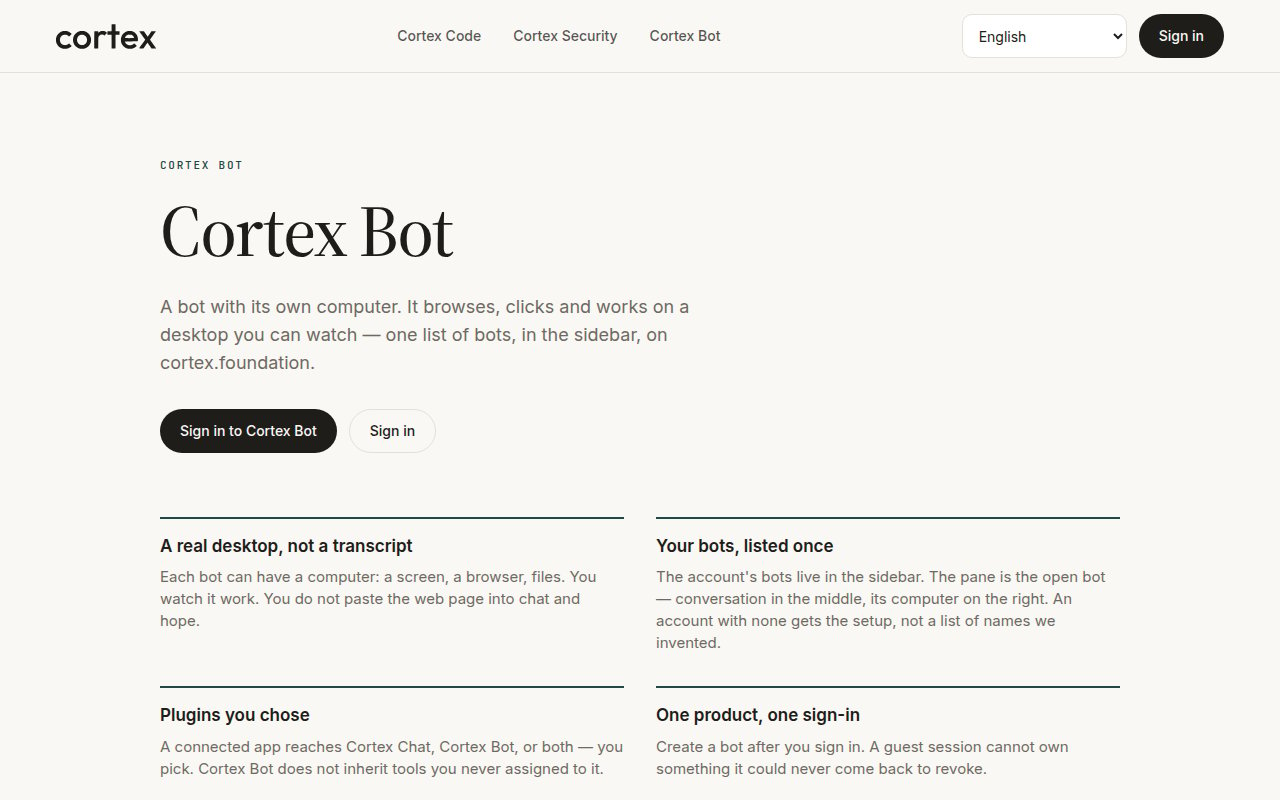
Cortex Bot is an always-on teammate. Each bot can have a computer — a screen, a browser, files — and you watch it work. Your bots are listed once, in the sidebar; the pane is the open bot, conversation in the middle and its computer on the right. Bots belong to a signed-in account.
 ## Start here
Sign in, create a bot, open its computer, give it a first task.
One list of bots, first-run setup, who can drive a bot.
A desktop app built around agents, routines, and channels — no Chat or Code sidebar.
## Core guides
A live desktop on a Cloud guest, not a screenshot slideshow. Open desktop, Sleep, and the three hosts.
The parent catalog — shell, computer use, browser, web, memory, skills, messaging, nested tasks.
Allow / Deny / Always. Nothing consequential runs until you choose.
Scheduled work on a bot you own, on your local weekday hours.
First-party instruction bundles a bot can follow.
A connection reaches Chat, Bot, or both — you pick, under Customize → Connectors.
## Advanced
* [How Bot works](/bot/how-it-works) — user-visible bubbles only, no round counter, waking a hibernated guest.
* [Troubleshooting](/bot/troubleshooting) — Connecting versus Stream Unavailable, parked steps, the setup form.
## Start here
Sign in, create a bot, open its computer, give it a first task.
One list of bots, first-run setup, who can drive a bot.
A desktop app built around agents, routines, and channels — no Chat or Code sidebar.
## Core guides
A live desktop on a Cloud guest, not a screenshot slideshow. Open desktop, Sleep, and the three hosts.
The parent catalog — shell, computer use, browser, web, memory, skills, messaging, nested tasks.
Allow / Deny / Always. Nothing consequential runs until you choose.
Scheduled work on a bot you own, on your local weekday hours.
First-party instruction bundles a bot can follow.
A connection reaches Chat, Bot, or both — you pick, under Customize → Connectors.
## Advanced
* [How Bot works](/bot/how-it-works) — user-visible bubbles only, no round counter, waking a hibernated guest.
* [Troubleshooting](/bot/troubleshooting) — Connecting versus Stream Unavailable, parked steps, the setup form.