> ## Documentation Index
> Fetch the complete documentation index at: https://cortex-foundation-add13747-droid-1a2462c9-cor-444-sanitize.mintlify.site/llms.txt
> Use this file to discover all available pages before exploring further.
# Bot quickstart
> Sign in, create your first bot, open its computer, give it a task, and approve its first consequential step.
This quickstart uses the web app, where a bot's computer runs in the Cloud. The [Bot desktop app](/bot/desktop) adds **This PC**.
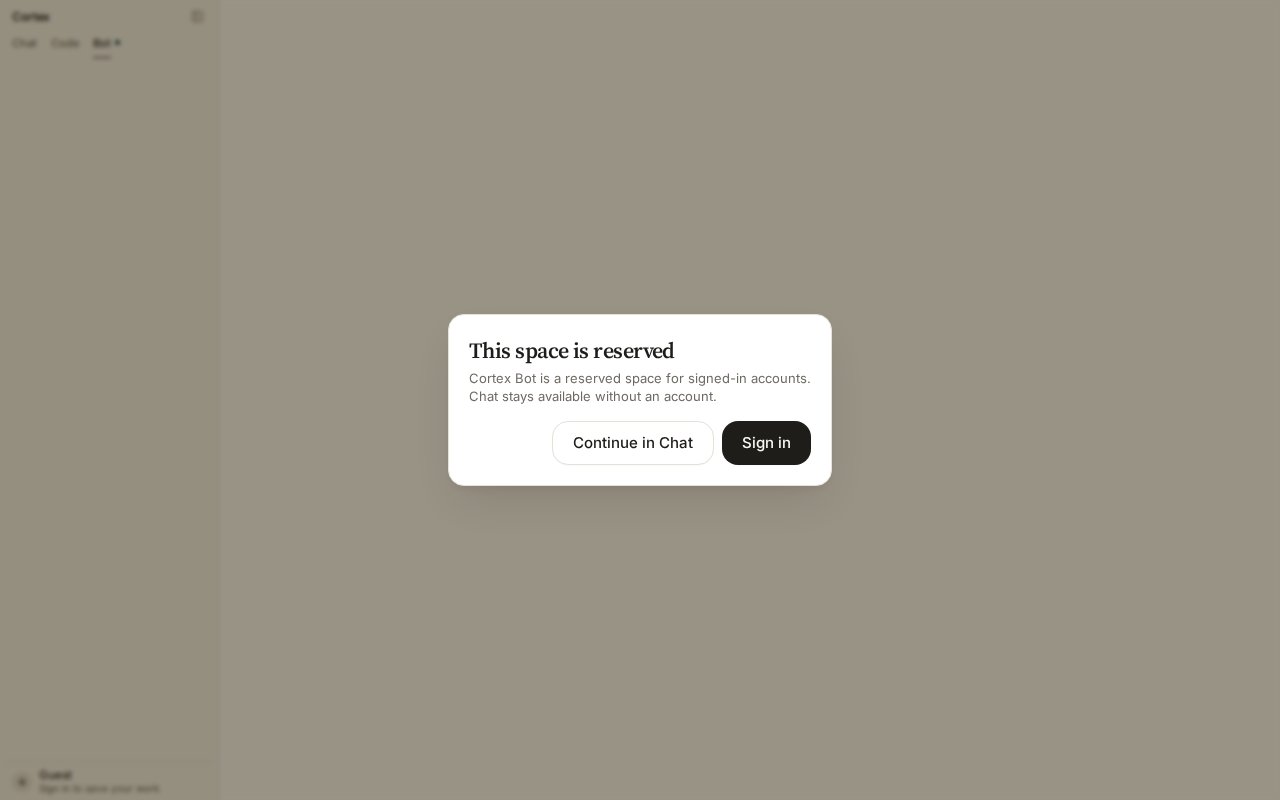 Sign in from the sidebar footer at [cortex.foundation](https://cortex.foundation), then choose **Bot** in the product switcher. Guests see **This space is reserved** — choose **Sign in**.
With no bots on the account you land on the **setup form**. Give the bot a name and a purpose, then create it. It appears in the sidebar; the pane opens on it.
On the Computer rail choose **Open desktop**. The Cloud guest starts — the rail reads **Connecting** while it does — and the live desktop appears: screen, browser, files.
Describe the job in the conversation.
```text theme={null}
Open our status page, check whether any component is degraded, and tell me what you find.
```
The bot works on its desktop while you watch. It reports back in short messages rather than a transcript of every click.
When the bot reaches a consequential action — changing something in a connected app, or a dangerous computer step — it parks and shows **Allow / Deny / Always**. Nothing runs until you choose. See [Approvals](/bot/approvals).
Add a **routine** for work you want repeated. Routines fire in your local weekday hours. See [Routines](/bot/routines).
Choose **Sleep** on the Computer rail when you are done. The next task wakes the guest before the bot is prompted.
## Give the bot tools
Under **Customize → Connectors**, connect an app and make it available to **Cortex Bot** (or to both Chat and Bot). A bot never inherits a connection you did not assign. See [Tools and connectors](/chat/tools).
## Good first tasks
| Task | Why it suits a bot |
| -------------------------------------------------- | ---------------------------------------- |
| Check a dashboard and summarise what changed | Browsing plus a short report |
| Fill a recurring form from a document you attach | Desktop work with a clear stopping point |
| Watch a page and notify you when something appears | A routine plus `notify` |
| Pull a report from a connected app every Monday | A routine with an approved connection |
## Related
* [Computer](/bot/computer) — Open desktop, Sleep, and the hosts.
* [Tools](/bot/tools) — everything a bot can call.
* [Troubleshooting](/bot/troubleshooting)
Sign in from the sidebar footer at [cortex.foundation](https://cortex.foundation), then choose **Bot** in the product switcher. Guests see **This space is reserved** — choose **Sign in**.
With no bots on the account you land on the **setup form**. Give the bot a name and a purpose, then create it. It appears in the sidebar; the pane opens on it.
On the Computer rail choose **Open desktop**. The Cloud guest starts — the rail reads **Connecting** while it does — and the live desktop appears: screen, browser, files.
Describe the job in the conversation.
```text theme={null}
Open our status page, check whether any component is degraded, and tell me what you find.
```
The bot works on its desktop while you watch. It reports back in short messages rather than a transcript of every click.
When the bot reaches a consequential action — changing something in a connected app, or a dangerous computer step — it parks and shows **Allow / Deny / Always**. Nothing runs until you choose. See [Approvals](/bot/approvals).
Add a **routine** for work you want repeated. Routines fire in your local weekday hours. See [Routines](/bot/routines).
Choose **Sleep** on the Computer rail when you are done. The next task wakes the guest before the bot is prompted.
## Give the bot tools
Under **Customize → Connectors**, connect an app and make it available to **Cortex Bot** (or to both Chat and Bot). A bot never inherits a connection you did not assign. See [Tools and connectors](/chat/tools).
## Good first tasks
| Task | Why it suits a bot |
| -------------------------------------------------- | ---------------------------------------- |
| Check a dashboard and summarise what changed | Browsing plus a short report |
| Fill a recurring form from a document you attach | Desktop work with a clear stopping point |
| Watch a page and notify you when something appears | A routine plus `notify` |
| Pull a report from a connected app every Monday | A routine with an approved connection |
## Related
* [Computer](/bot/computer) — Open desktop, Sleep, and the hosts.
* [Tools](/bot/tools) — everything a bot can call.
* [Troubleshooting](/bot/troubleshooting)