> ## Documentation Index
> Fetch the complete documentation index at: https://cortex-foundation-add13747-droid-1a2462c9-cor-444-sanitize.mintlify.site/llms.txt
> Use this file to discover all available pages before exploring further.
# Cortex CLI
> Cortex Code in your terminal — an interactive session view, one-shot runs, headless mode for CI, and the extension points: MCP servers, skills, agents, hooks, plugins.
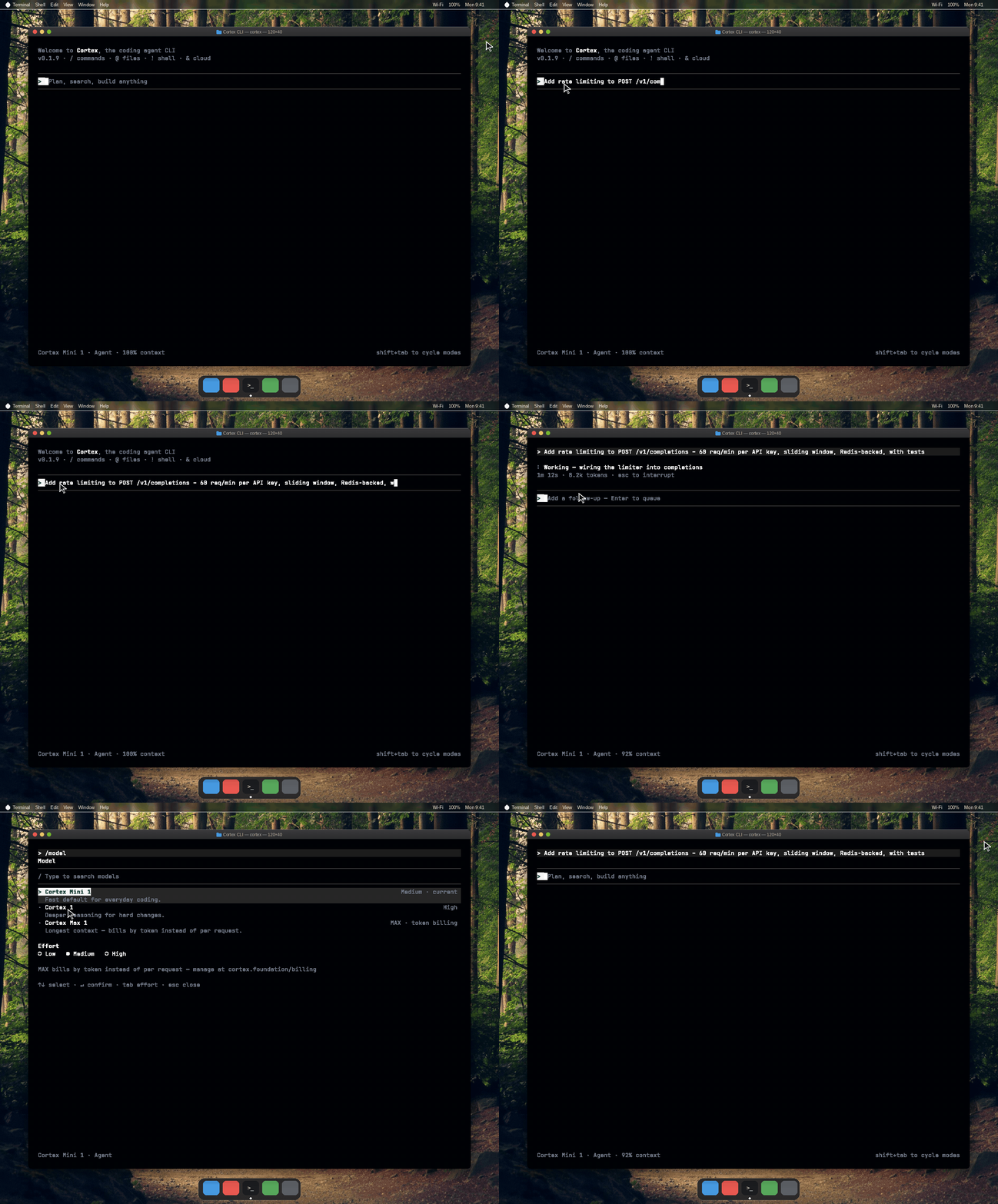
The Cortex CLI is **Cortex Code for the terminal**. One binary, `cortex`, gives you an interactive TUI with a live timeline and approvals, one-shot runs from your own shell, and a headless mode for scripts and CI. It uses the same account and the same Code sessions as the web and desktop apps, runs on the Cloud runtime by default, and never runs the model on your laptop.
 ## Install in one line
```bash macOS and Linux theme={null}
curl -fsSL https://software.cortex.foundation/install.sh | sh
```
```powershell Windows theme={null}
irm https://software.cortex.foundation/install.ps1 | iex
```
```bash theme={null}
cortex login
cd ~/code/my-project
cortex
```
## Install in one line
```bash macOS and Linux theme={null}
curl -fsSL https://software.cortex.foundation/install.sh | sh
```
```powershell Windows theme={null}
irm https://software.cortex.foundation/install.ps1 | iex
```
```bash theme={null}
cortex login
cd ~/code/my-project
cortex
```
Install
Quickstart
 ## What one binary gives you
| Surface | Command | Use it for |
| ------------------- | ----------------- | --------------------------------------------------------------------------------------------------- |
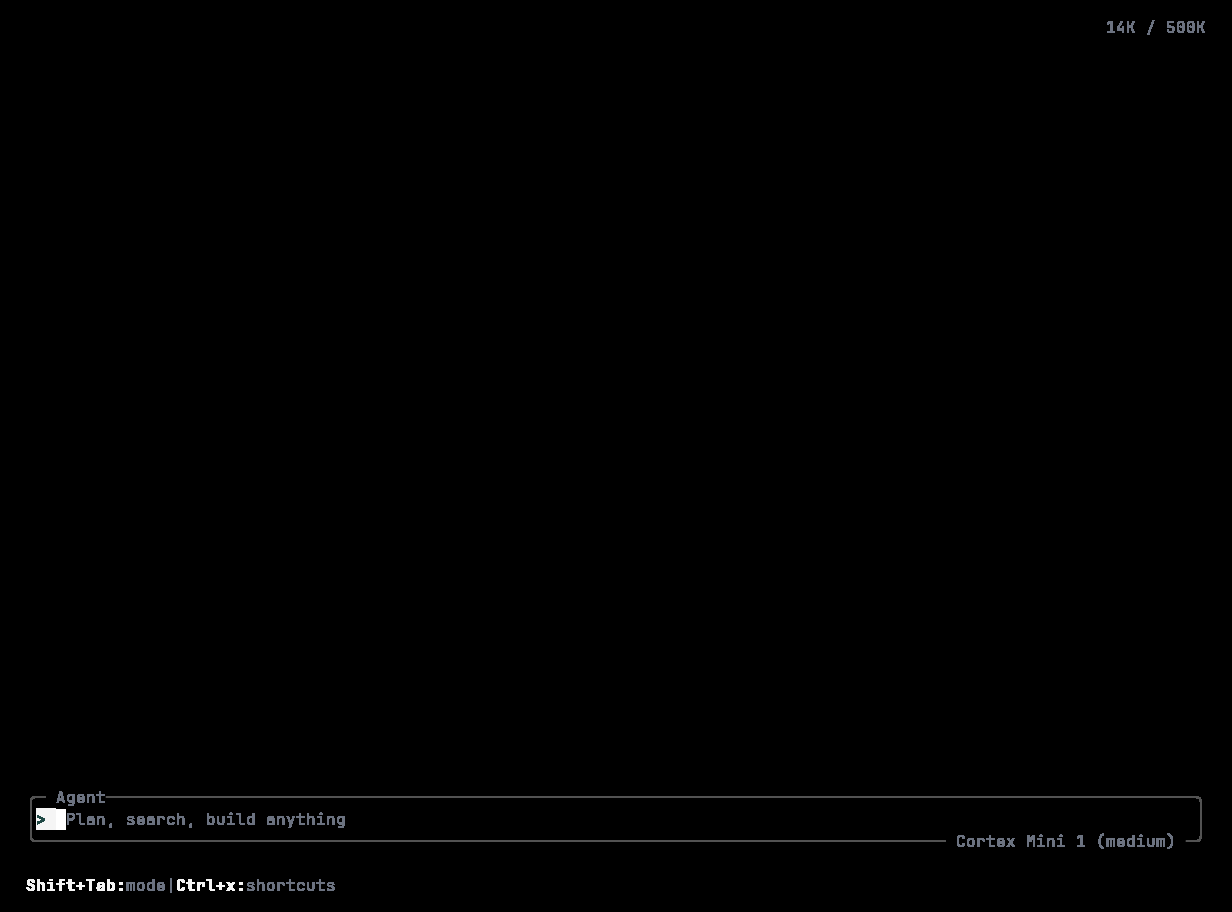
| **Interactive TUI** | `cortex` | Everyday work: a timeline, approvals, Agent / Plan / Ask, sessions you can resume, rewind, and fork |
| **One-shot** | `cortex run "…"` | A single request from your shell, streamed, with session continuation and sharing |
| **Headless** | `cortex exec "…"` | Scripts and CI: autonomy levels, JSON output, turn and time limits |
## Guides
Installer, checksums, version pins, channels, `cortex upgrade`, uninstall.
`cortex login` in a browser, device code for headless machines, API keys for CI, the OS keyring.
First session, `AGENTS.md`, choosing autonomy.
Timeline rows, the composer, status line, queueing follow-ups, interrupting.
Everything after `/` — model, mode, permissions, plan, goal, sessions, MCP, diagnostics.
Agent / Plan / Ask, Spec, approvals, sandbox, the `permission` table, effort.
`/goal` — a persisted long-horizon objective that survives compaction and resume.
Resume, rewind, fork, export, import, share, lock, clean up.
`cortex exec` and `cortex run` in scripts, GitHub Actions, GitLab CI.
`config.toml`, profiles, environment variables, data locations, hosts.
MCP servers, skills, agents and subagents, hooks, plugins, themes.
Outage copy, hosts that refuse, the agent that will not edit, MCP, quotas.
## Conventions on these pages
* Commands are written `cortex …`. The installed binary is `Cortex`; the installer adds `cortex` and `agent` symlinks, and both spellings work on case-insensitive filesystems.
* Everything documented here is backed by the shipped CLI. `cortex --help` and `cortex --help` are generated from the same definitions and are always authoritative.
* The CLI talks to the Cortex API at `api.cortex.foundation`. Releases are published to `software.cortex.foundation`.
* Source and issues: [github.com/CortexLM/cli](https://github.com/CortexLM/cli), Apache-2.0.
## What one binary gives you
| Surface | Command | Use it for |
| ------------------- | ----------------- | --------------------------------------------------------------------------------------------------- |
| **Interactive TUI** | `cortex` | Everyday work: a timeline, approvals, Agent / Plan / Ask, sessions you can resume, rewind, and fork |
| **One-shot** | `cortex run "…"` | A single request from your shell, streamed, with session continuation and sharing |
| **Headless** | `cortex exec "…"` | Scripts and CI: autonomy levels, JSON output, turn and time limits |
## Guides
Installer, checksums, version pins, channels, `cortex upgrade`, uninstall.
`cortex login` in a browser, device code for headless machines, API keys for CI, the OS keyring.
First session, `AGENTS.md`, choosing autonomy.
Timeline rows, the composer, status line, queueing follow-ups, interrupting.
Everything after `/` — model, mode, permissions, plan, goal, sessions, MCP, diagnostics.
Agent / Plan / Ask, Spec, approvals, sandbox, the `permission` table, effort.
`/goal` — a persisted long-horizon objective that survives compaction and resume.
Resume, rewind, fork, export, import, share, lock, clean up.
`cortex exec` and `cortex run` in scripts, GitHub Actions, GitLab CI.
`config.toml`, profiles, environment variables, data locations, hosts.
MCP servers, skills, agents and subagents, hooks, plugins, themes.
Outage copy, hosts that refuse, the agent that will not edit, MCP, quotas.
## Conventions on these pages
* Commands are written `cortex …`. The installed binary is `Cortex`; the installer adds `cortex` and `agent` symlinks, and both spellings work on case-insensitive filesystems.
* Everything documented here is backed by the shipped CLI. `cortex --help` and `cortex --help` are generated from the same definitions and are always authoritative.
* The CLI talks to the Cortex API at `api.cortex.foundation`. Releases are published to `software.cortex.foundation`.
* Source and issues: [github.com/CortexLM/cli](https://github.com/CortexLM/cli), Apache-2.0.