

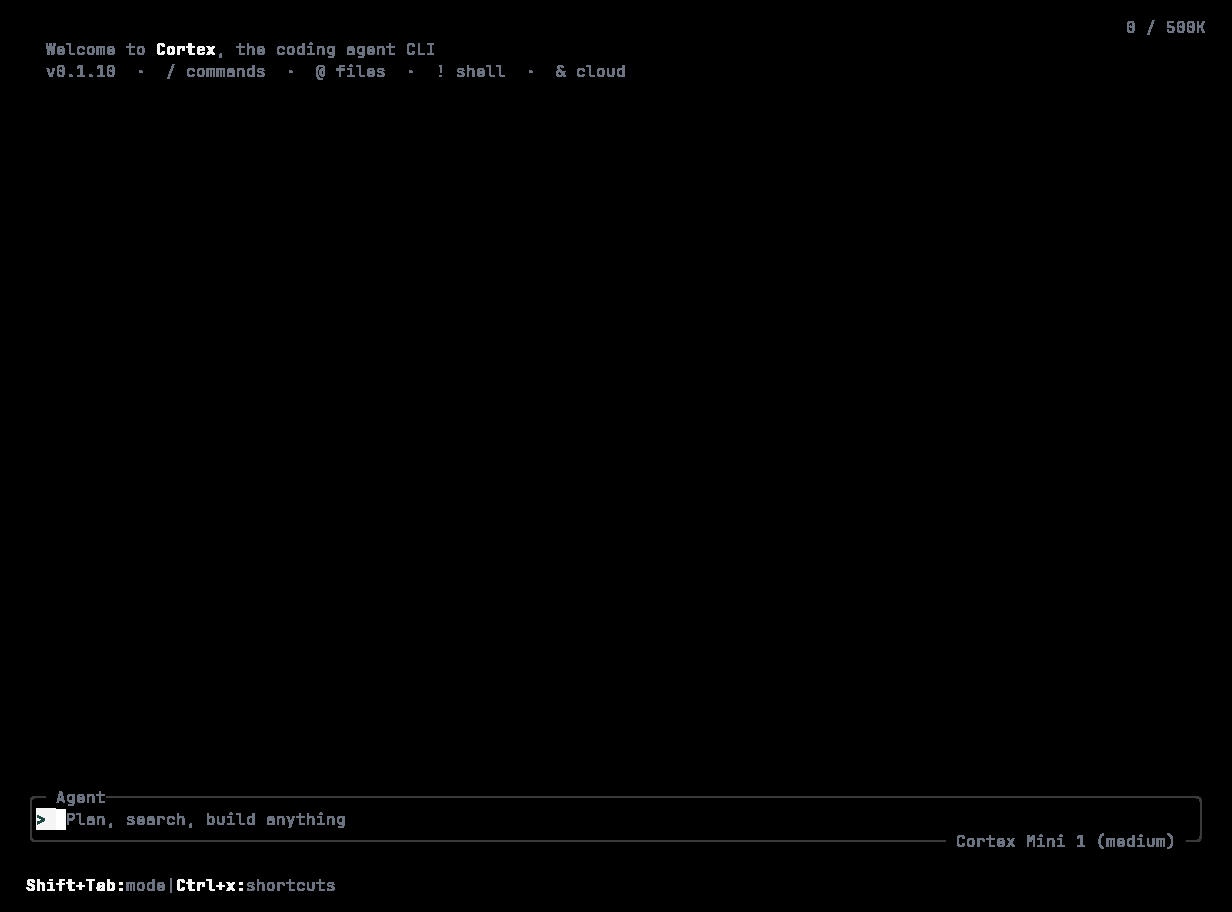
A fresh install: Welcome to Cortex, the coding agent CLI · v0.1.10 · / commands · @ files · ! shell · & cloud, with the empty Agent composer and the token counter at 0 / 500K.
macOS and Linux
Cortex into ~/.local/bin, plus cortex and agent symlinks. Add that directory to your PATH if it is not there already. Python 3.8 or later is required by the installer.
Prefer to read the script first:
Options
Windows
%LOCALAPPDATA%\Cortex\bin after the same checksum check. Add that folder to your user PATH yourself — the installer does not edit your profile. Windows x64 only; ARM64 and 32-bit builds are not published, and the installer does not silently substitute another architecture. An existing binary is kept as Cortex.old.exe.
Check it worked
Update
cortex upgrade fetches the release manifest from software.cortex.foundation, verifies SHA-256 before replacing the binary, keeps a .old recovery copy, and checks the new binary’s --version before finishing. A lookup failure returns a non-zero exit status — an unavailable release is never reported as already installed. Installations made through a package manager are directed back to that package manager.
The TUI also offers /upgrade, and check_for_update_on_startup in configuration controls the launch-time check.
Homebrew and WinGet
The release pipeline publishes assets that a Homebrew formula inCortexLM/homebrew-tap and a WinGet package CortexLM.Cortex reference. Coverage varies by platform; the shell and PowerShell installers above are the supported path.
Build from source
rust-toolchain.toml.
Uninstall
Next
- Sign in —
cortex login. - Quickstart — a first session.