

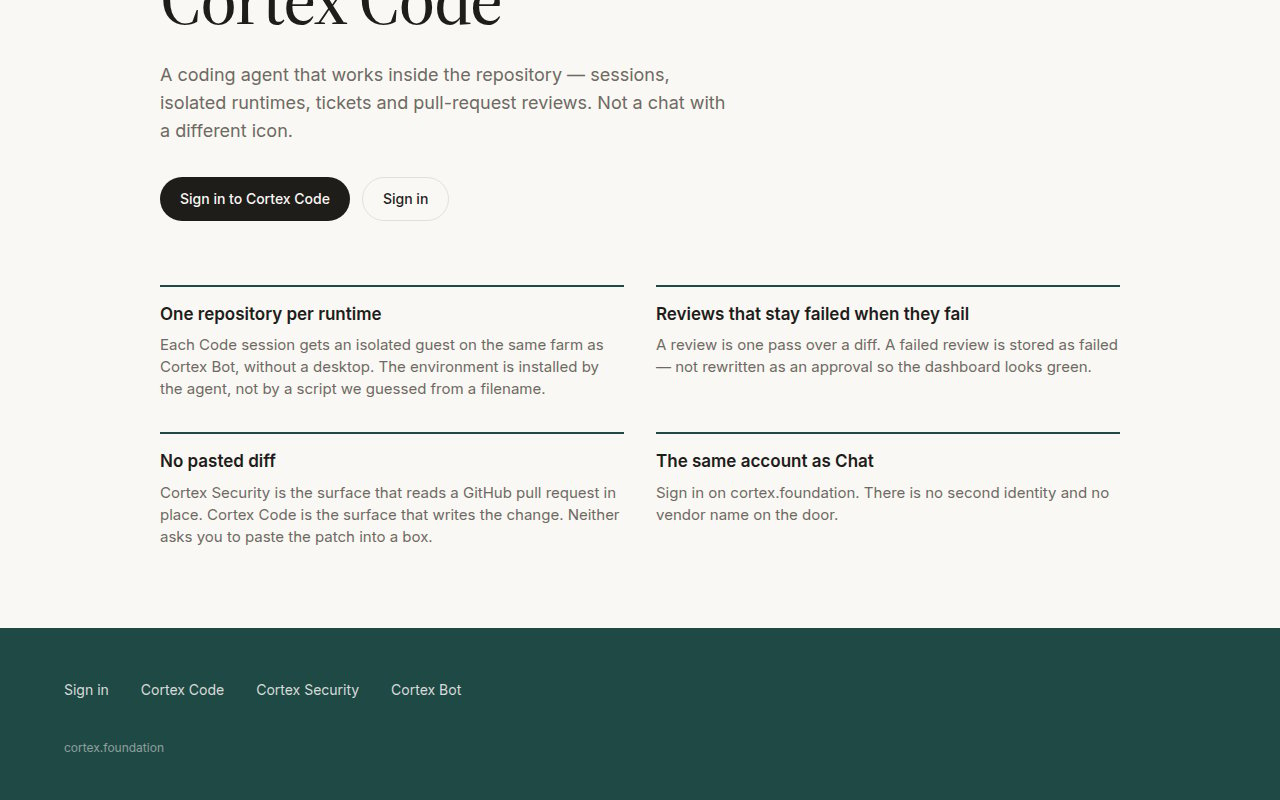
The four commitments on the public Code page: one repository per runtime, reviews that stay failed when they fail, no pasted diff, the same account as Chat.
What Code is
Who can open it
Code is a member surface. A guest visiting/code sees the public product page, and deep links show This space is reserved with Continue in Chat or Sign in. Once signed in, /code opens Code Home: connect GitHub, pick a repository, start a session. See Accounts.
Where it runs
What Code is not
Modes in one line
Ask reads and explains. Plan proposes without changing anything. Agent edits files and runs commands. Pick per turn; the session row holds the default. See Ask, Plan, Agent.Next
- Code quickstart — first session in the web app.
- Sessions — reading the timeline.
- CLI — the terminal front-end to the same sessions.