

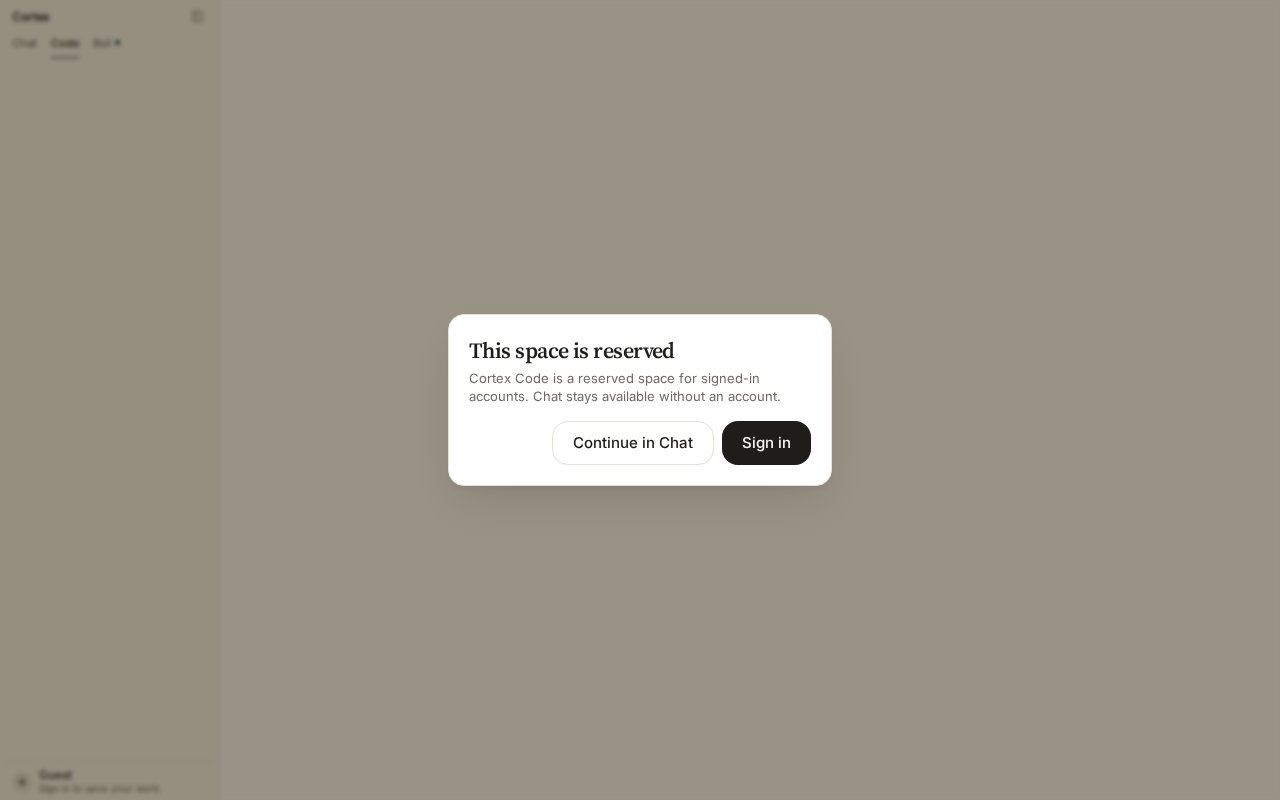
What a guest sees on a Code deep link. Sign in to open Code Home.
1
Sign in
Open cortex.foundation and sign in from the sidebar footer. Then choose Code in the product switcher. If you see This space is reserved, you are still a guest — choose Sign in.
2
Connect GitHub
On Code Home choose Connect GitHub (also in the repository picker and under Settings → Integrations). Approve the connection on GitHub. There is no personal-access-token field. If the button reads Reconnect, an earlier grant lapsed — reconnect and continue. See Connect GitHub.
3
Pick a repository and start a session
Choose a repository. Cortex starts a Cloud guest for it, attaches, and prepares the environment — the agent installs what the repository needs. Web Code is Cloud-only; you do not pick a host here.
4
Choose a mode and describe the change
Pick Ask, Plan, or Agent on the turn. Start with Plan if you want to see the approach before anything changes, or Agent to let it work.
5
Read the timeline
The session shows files read, edits made, commands run, and the plan when there is one — as it happens, not a bubble dump afterwards. The header shows run state; Stop cancels the live turn. Follow up with another turn in the same session, switching mode if you want a tighter or looser loop.
6
Ship
Ask the agent to commit and open a pull request, or review the diff yourself. If your repository has Cortex Security installed, the pull request gets a review as a GitHub check run.