

cortex, gives you an interactive session view, one-shot runs from your shell, and a headless mode for scripts and CI. It talks to the same Code sessions as the web and desktop apps and signs in with the same account. The full documentation lives in the CLI tab; this page is the map from Code concepts to CLI commands.
Code concepts, CLI names
Install and first session
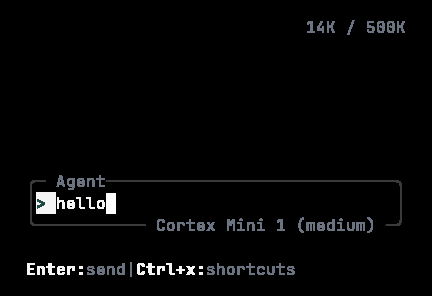
A prompt typed into the CLI composer. The footer switches to Enter:send · Alt+Enter:newline while you type.
One-shot and headless
cortex run streams a formatted answer into your shell and understands sessions. cortex exec is for CI: autonomy levels, JSON output, turn and time limits. See Headless runs.
What the CLI is — and is not
Next
- CLI overview — the full tab.
- Code on desktop — the same hosts in the desktop app.