

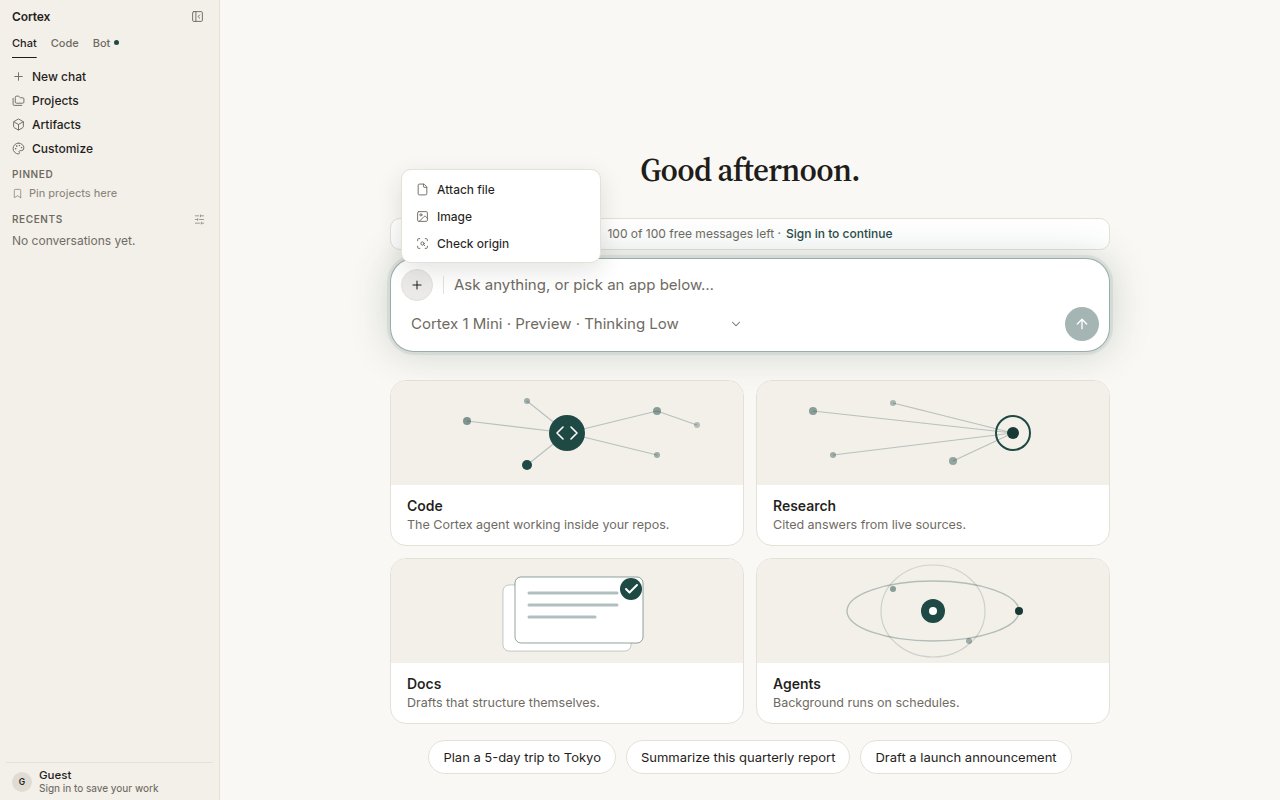
The composer's + menu: Attach file, Image, Check origin.
Ask for a picture
Describe the whole scene — subject, setting, light, style. You can also set:What the card shows
If the Library fetch for a finished picture fails, you see the error square. If image generation is not configured on a deployment, the request fails closed before any quota is spent.
Quota, not a paywall
On Free and Guest, image generation is metered asimages_per_day. Using the window is quota_exceeded: wait for the reset shown under Settings → Plan & billing. A plan that does not include image generation at all is entitlement_required. Free explicitly lists Image generation with Cortex-Image-1. See Plans.
About the model
Cortex-Image-1 is the image model for Cortex Chat, in preview, built on NVIDIA Cosmos. It appears in Settings → Models beside the chat models with the attribution Built on NVIDIA Cosmos. See Models.Origin check is separate
A generated picture is a Library file like any other. Check origin is a different ask — attach media and ask whether it is authentic. It does not run automatically after every generation. See Origin check.Tips
- One complete sentence beats a list of keywords: A lighthouse on a granite headland at dusk, long exposure, soft teal sky.
- Reuse the seed to iterate on a picture you like while changing one thing at a time.
- Use the negative prompt for the things the model keeps adding that you do not want.