

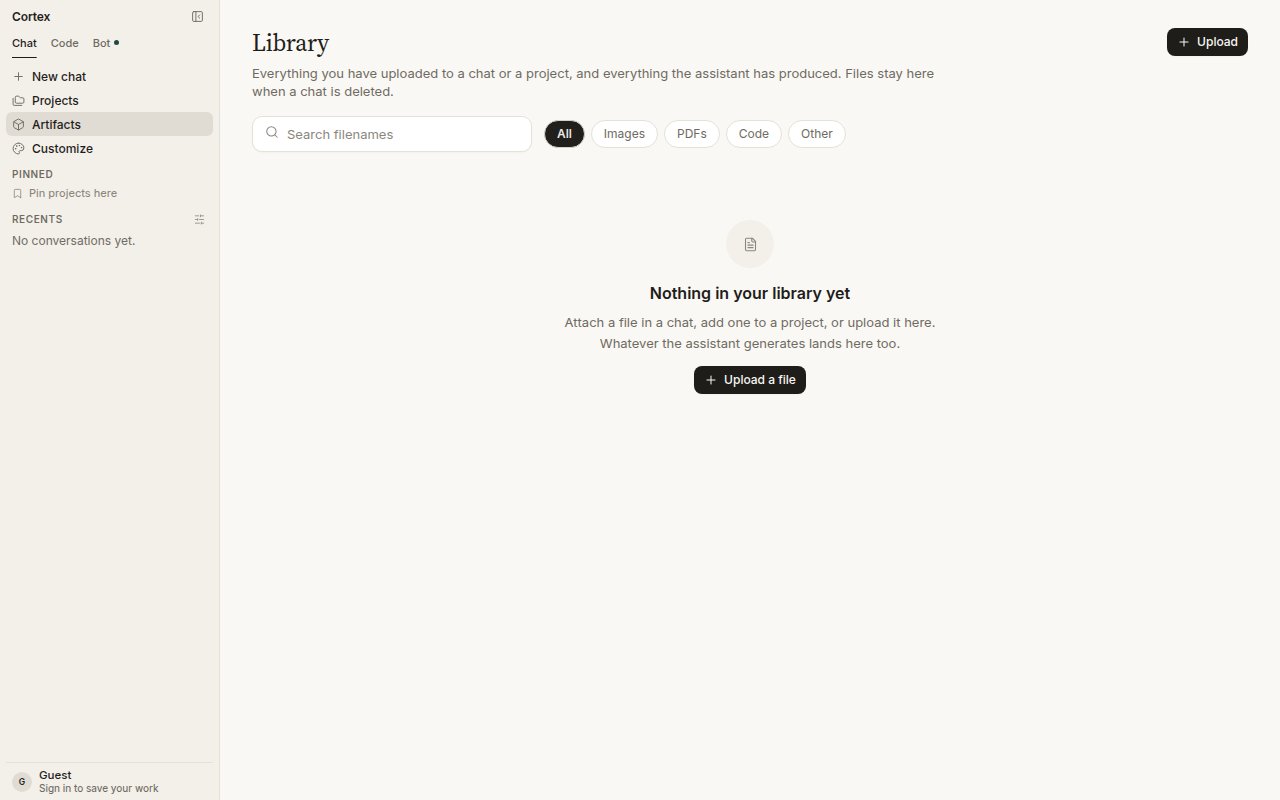
Library, filtered by type: All, Images, PDFs, Code, Other.
How files get in
Type and size checks run at upload. A rejected file is not attached and does not appear in Library.
Use a file in Chat
Pick from Library when you start a turn, or attach a fresh file. The conversation receives the file as an attachment. Cortex does not fetch a URL you paste as if it were an attachment — paste a link and Chat will read it as text, or use web tools to fetch the page. Deleting a chat does not delete its files; they stay in Library until you remove them there.Filters
All, Images, PDFs, Code, Other. Generated pictures show under Images.Failure states
A Library fetch that fails shows an error square in the thread — never a spinner that spins forever. Retry the turn; if the file is gone from Library, attach it again.Guests
Library needs a signed-in account. A guest can attach files to the current session; they are not kept once the session ends. See Accounts.Related
- Projects — pin files to a body of work.
- Image generation — generated pictures land here.
- Origin check — check attached media.
- Design library — a different object: components, pages, and tokens for canvases.
- Settings → Data & privacy — export or delete everything.