

MCP servers
Cortex is a Model Context Protocol client. Connecting a server adds its tools to the set the agent can call.-- matters: without it, flags meant for the server are parsed as Cortex flags. --bearer-token-env-var takes the name of an environment variable, so the token never lands in a config file. URLs on localhost or private ranges are rejected unless you pass --allow-local.
/mcp (or Ctrl+E) opens the manager, /mcp-tools lists each server’s tools, /mcp-auth handles servers that need sign-in, and /mcp-reload re-reads the configuration.
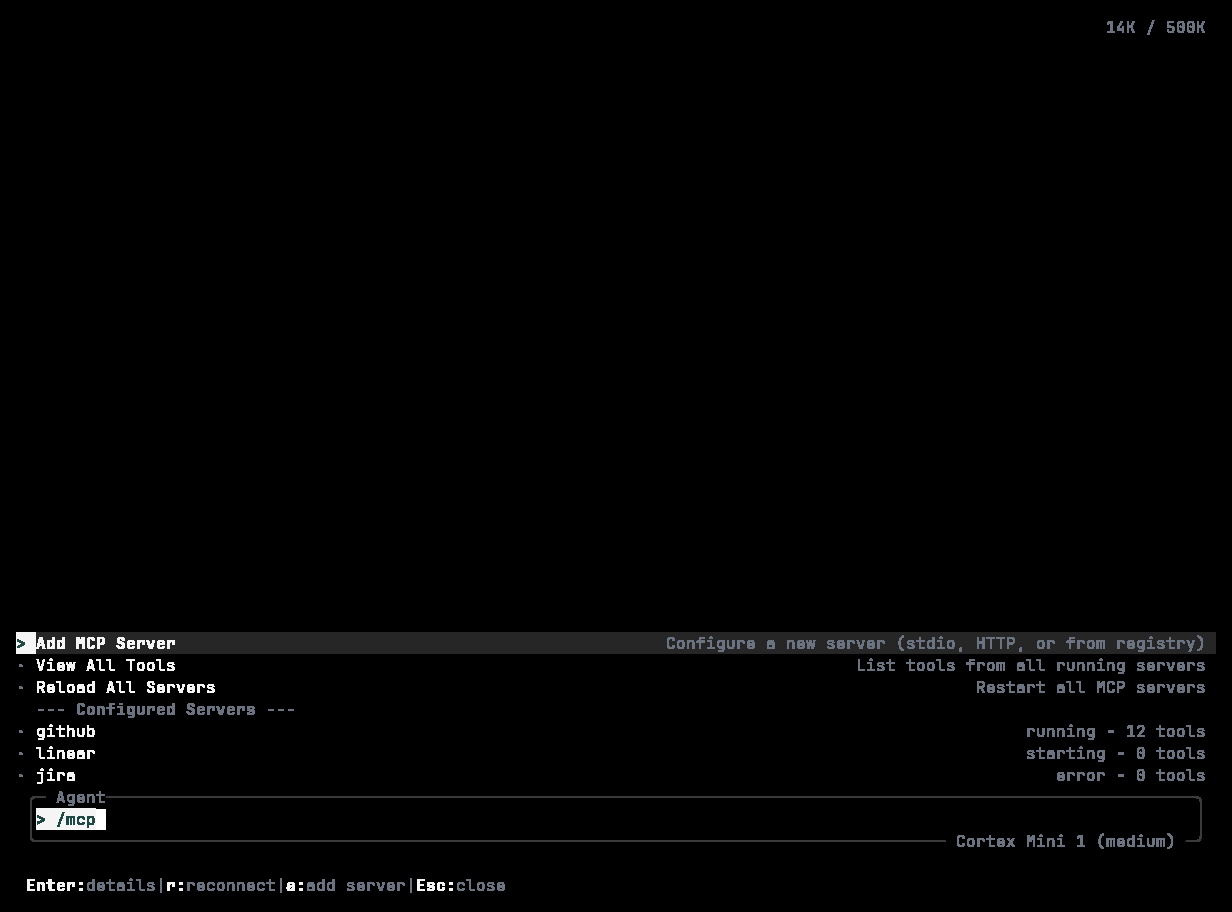
/mcp: each server with its tool count and state — connected, authenticating, or failed with r to reconnect.
search from server myserver is presented to the agent as mcp__myserver__search — that is the name to use with --enabled-tools, --disabled-tools, and the permission.mcp table. Configuration lives under mcp_servers in config.toml:
Skills
A skill is a bundle of instructions the agent loads on demand through itsUseSkill tool — your deployment checklist, your migration procedure, the way your team writes commit messages. Built-in skills: git, code-quality, file-operations, debugging, security, planning.
A skill is a directory with a SKILL.md:
description decides whether a skill ever gets used — write it as the situation it applies to. Skills are found, in order, in built-ins, ./SKILL.md, <project>/.agents/<name>/, <project>/.agent/<name>/, <project>/.cortex/skills/<name>/, and ~/.cortex/skills/<name>/.
/skills lists them, /skill <name> [args] forces one, /skill-reload re-reads after editing, and cortex debug skill <name> shows how one resolves. Gate them with [permission.skill].
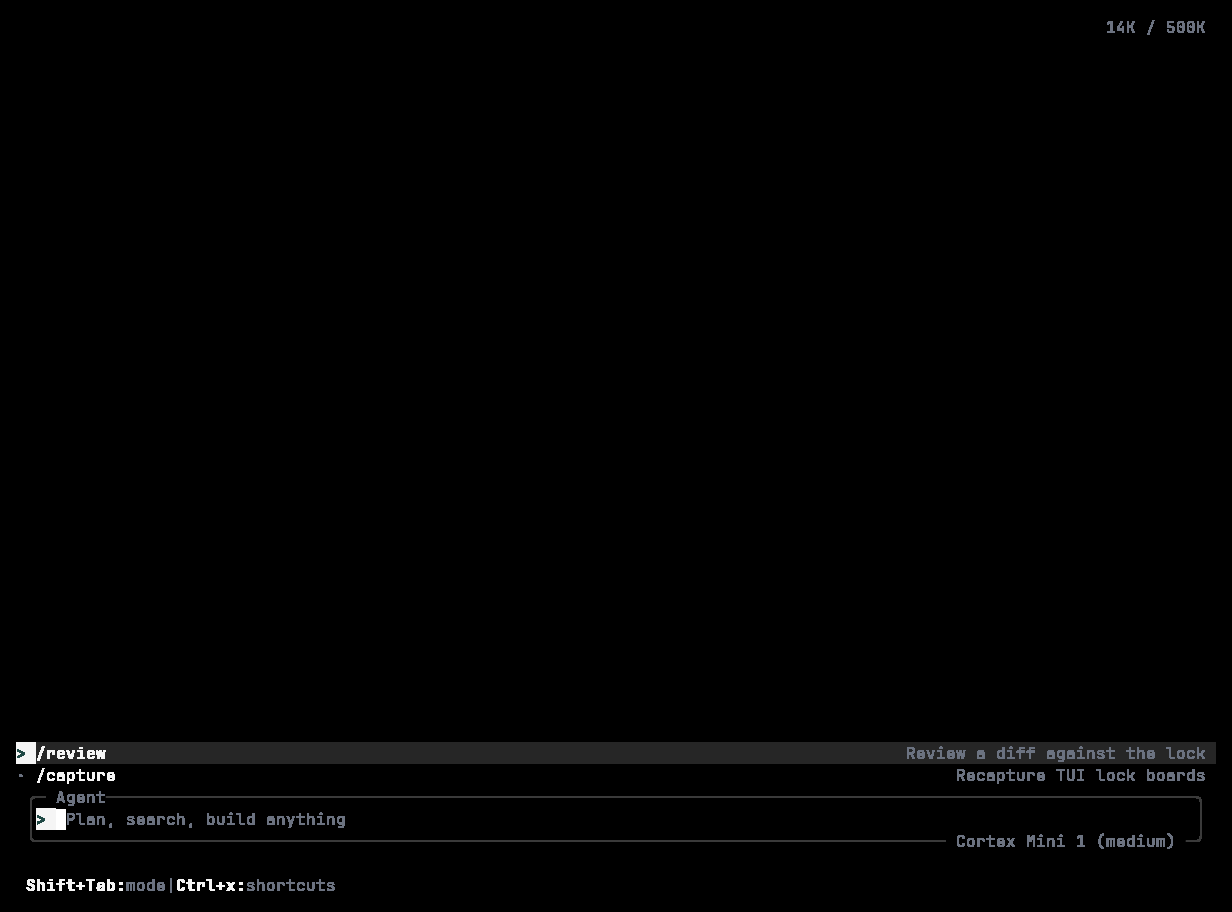
/skills: searchable, each with its description and whether it comes from the project or your user directory.
Agents and subagents
An agent is a named configuration: which model, how much reasoning, which tools.<project>/.agents/, <project>/.agent/, <project>/.cortex/agents/, then ~/.cortex/agents/; project agents override personal ones. Mention one in a prompt with @reviewer …, or set current_agent in config.
Subagents are what the main agent delegates to through its Task tool, in one of three roles — explore, plan, or worker. A child task cannot spawn children, ask you questions, or message you; everything reports back through the parent. /jobs shows what is running.
Hooks
Hooks run your own commands when something happens — a file was edited, a tool is about to run, the session ended. They wire Cortex into a formatter, a linter, a notifier, or an audit log.command is an array, not a shell string. Placeholders {file}, {path}, {session_id}, {message_id} are also exported as CORTEX_FILE, CORTEX_SESSION_ID, CORTEX_MESSAGE_ID. A failing PreToolUse hook stops the tool call — that is how you block writes to generated files. /hooks manages them from the TUI.
Plugins
WebAssembly plugins add tools and hooks inside a sandboxed runtime./plugins covers install, enable, and disable from the TUI. Configuration keys: plugins, plugin_dirs, plugin_settings.
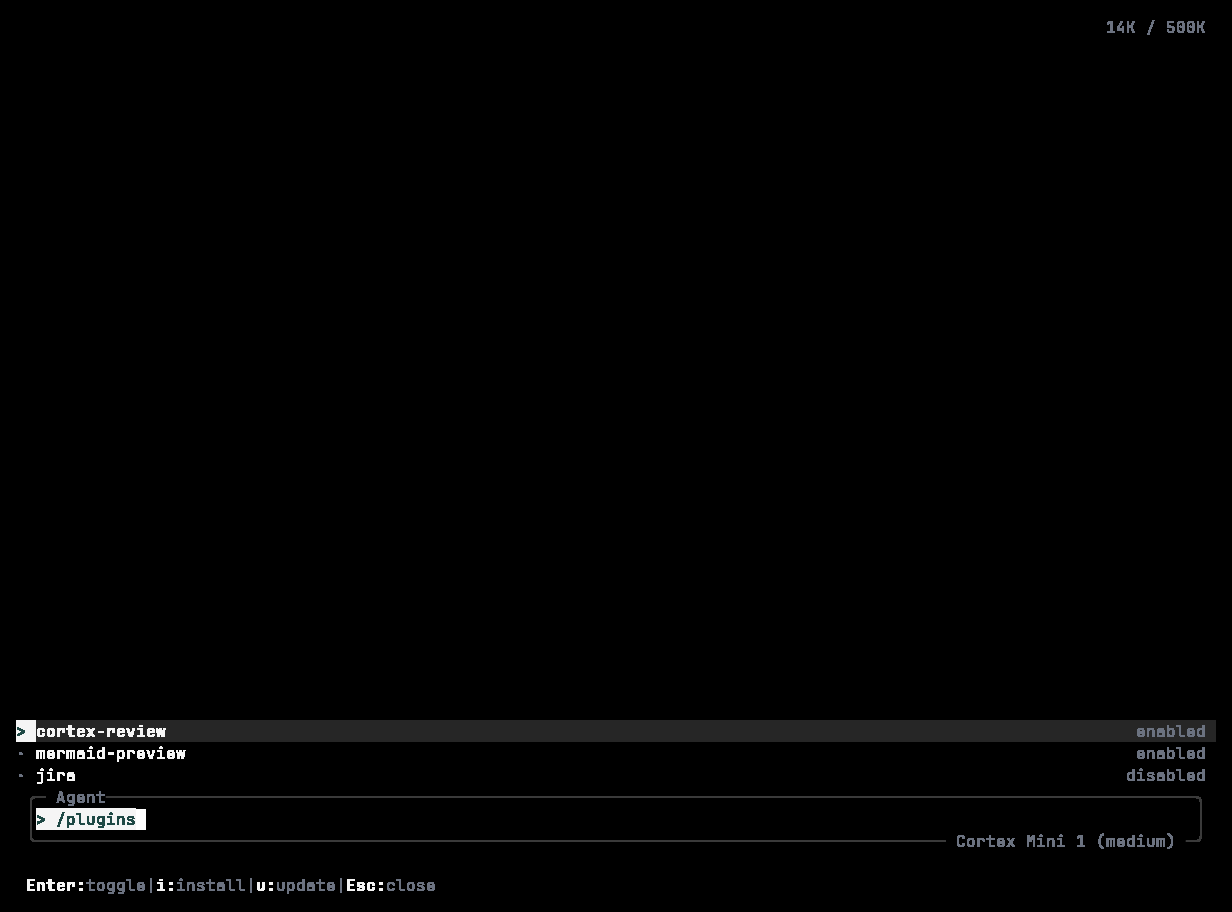
/plugins: version, enabled state, and what each plugin adds — for example a /review command.
Custom commands
Markdown files under.cortex/commands/ become slash commands; /commands lists them. See Slash commands. cortex alias set adds shell-level aliases for cortex subcommands.
Themes
/theme opens the picker — moving the selection previews live, Esc reverts — and /theme monokai switches directly. In config: [tui.theme] name = "ocean_dark"; /reload-config picks it up without restarting.
Editor integration
cortex acp --stdio starts an Agent Client Protocol server for editors that speak it; --allow-tool and --deny-tool narrow what the editor may invoke. Running cortex inside an editor’s terminal gives you the TUI as it is — there is no separate extension UI.
Related
- Configuration — where all of this is stored.
- Modes and permissions — gating skills, MCP servers, and commands.