

Browser sign-in (default)
/login does the same without leaving your session; the inline screen offers Continue with browser or Paste an API key.
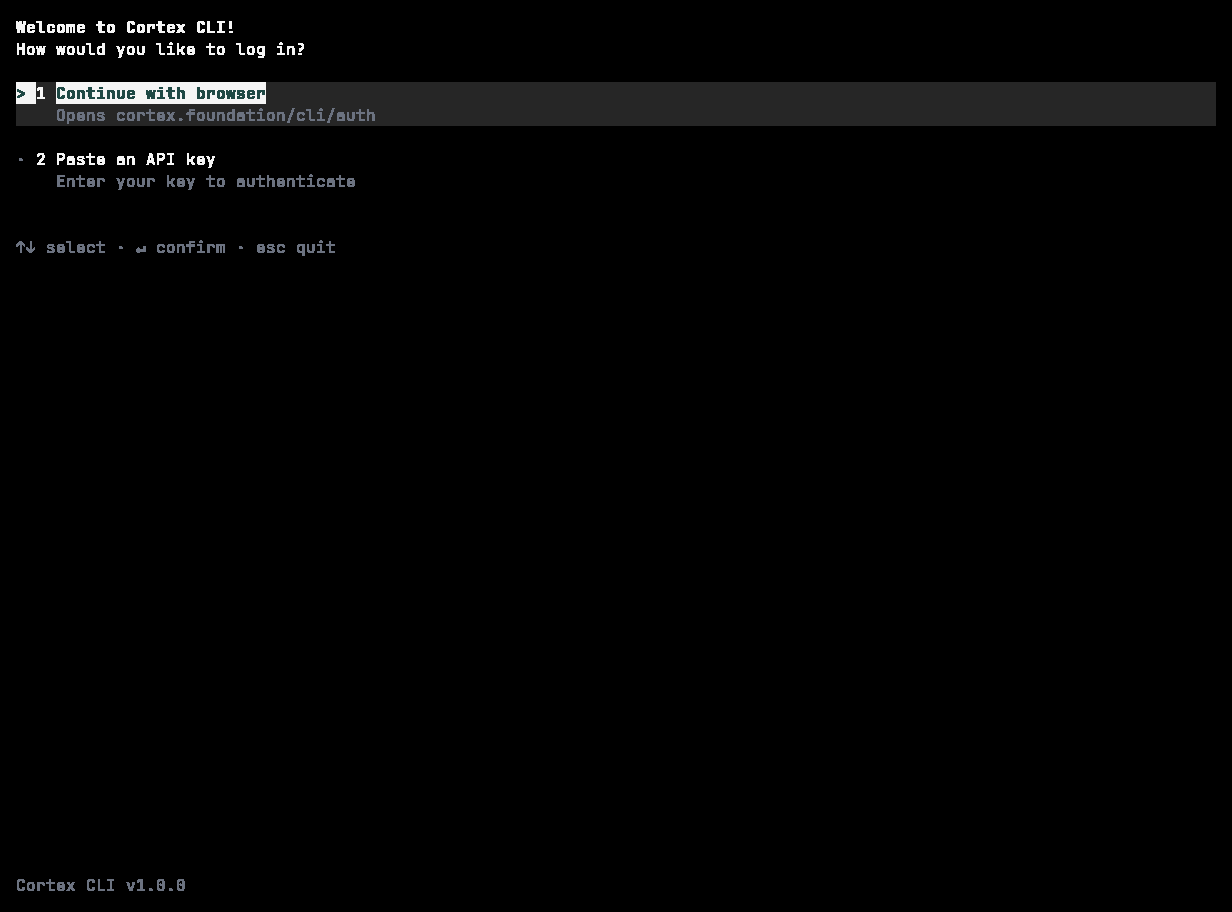
The inline sign-in picker: Continue with browser, or Paste an API key. Numbered rows, arrow keys to select, Enter to confirm.
A machine without a browser
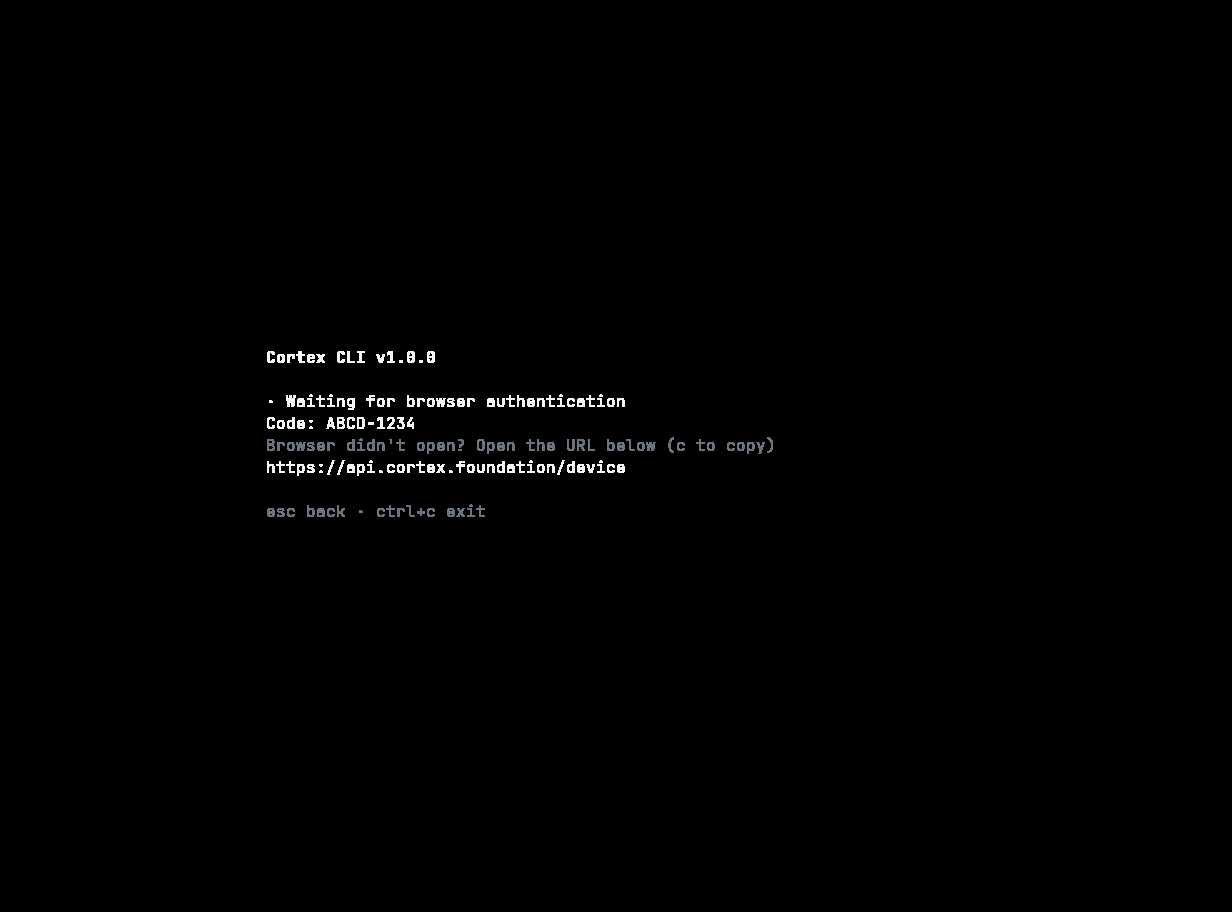
Waiting for the browser: the code to enter, and the URL to visit if the browser did not open. Esc cancels.
Unattended use: API key or token
For CI and other unattended runs, do not use the browser flow.cortex login entirely and set the variable for the job:
Take the value from your CI secret store. Never write it into a workflow file or commit it.
Enterprise SSO
cortex login --sso is available for organisations that sign in through single sign-on. The web app’s sign-in dialog offers the same Single sign-on (SSO) route.
Check and sign out
/account (aliases /whoami, /me), /login, /logout.
Where credentials are stored
Credentials are deliberately not written to a plaintext file in your home directory, and never into the repository. If no keyring is available — a bare container, a headless CI runner — use
CORTEX_API_KEY or CORTEX_AUTH_TOKEN instead of trying to make one work.
Troubleshooting
Related
- Install
- Configuration — every environment variable the CLI reads.
- Accounts — what a signed-in account unlocks everywhere.