

cortex with a terminal attached starts the interactive UI. It takes the full viewport by default (the alternate screen) and gives you three things: a timeline of the conversation and the agent’s work, a composer at the bottom, and a footer with the model, the mode, and the most useful shortcut.
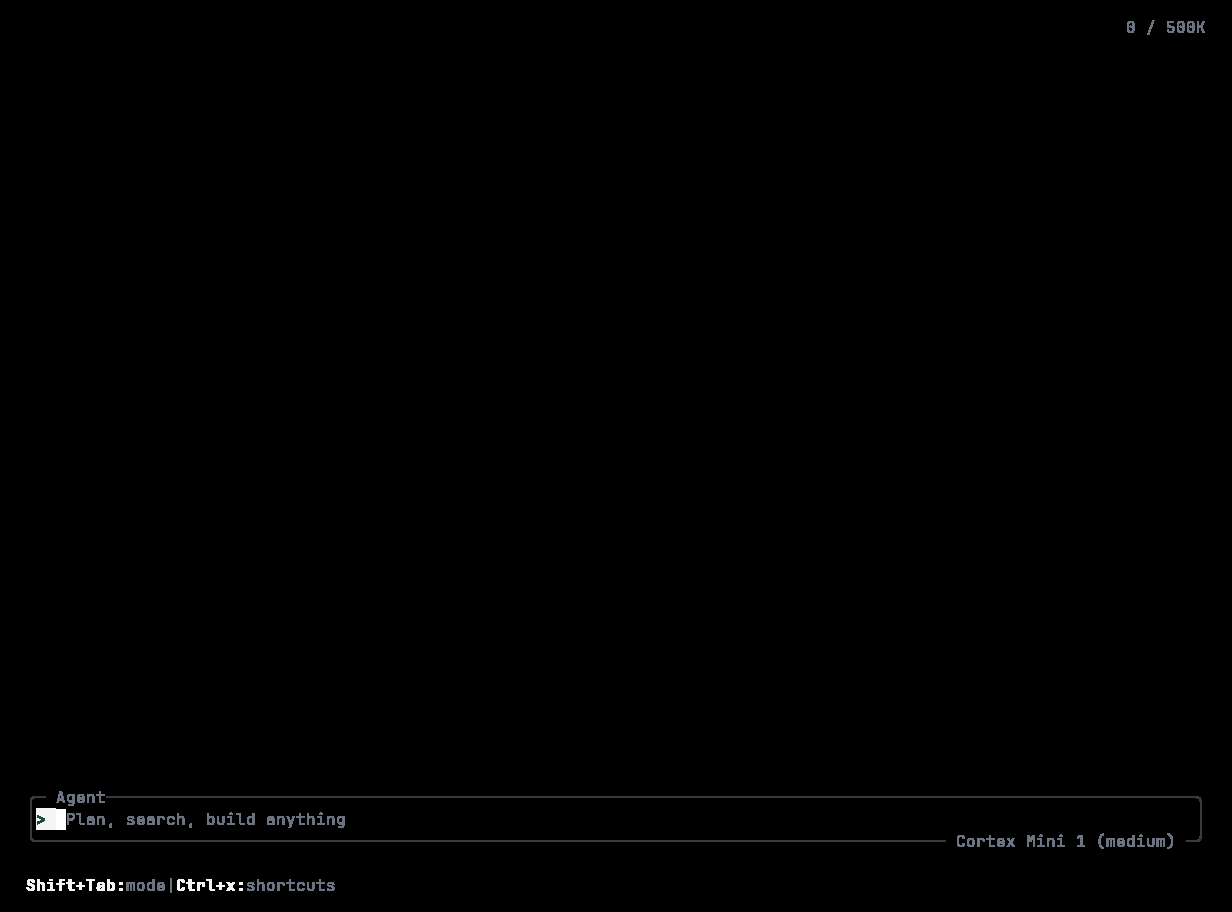
The empty composer: > with a block caret, the placeholder “Plan, search, build anything”, the mode on the top border, the model chip Cortex Mini 1 (medium) on the bottom border, and the footer hints.
Starting it
cortex run or cortex exec.
The welcome splash
Before the first turn the timeline shows two lines — Welcome to Cortex, the coding agent CLI andv0.1.x · / commands · @ files · ! shell · & cloud — plus a first-run tips panel. After your first turn the splash is dropped; an empty session is composer and footer only.
Timeline rows
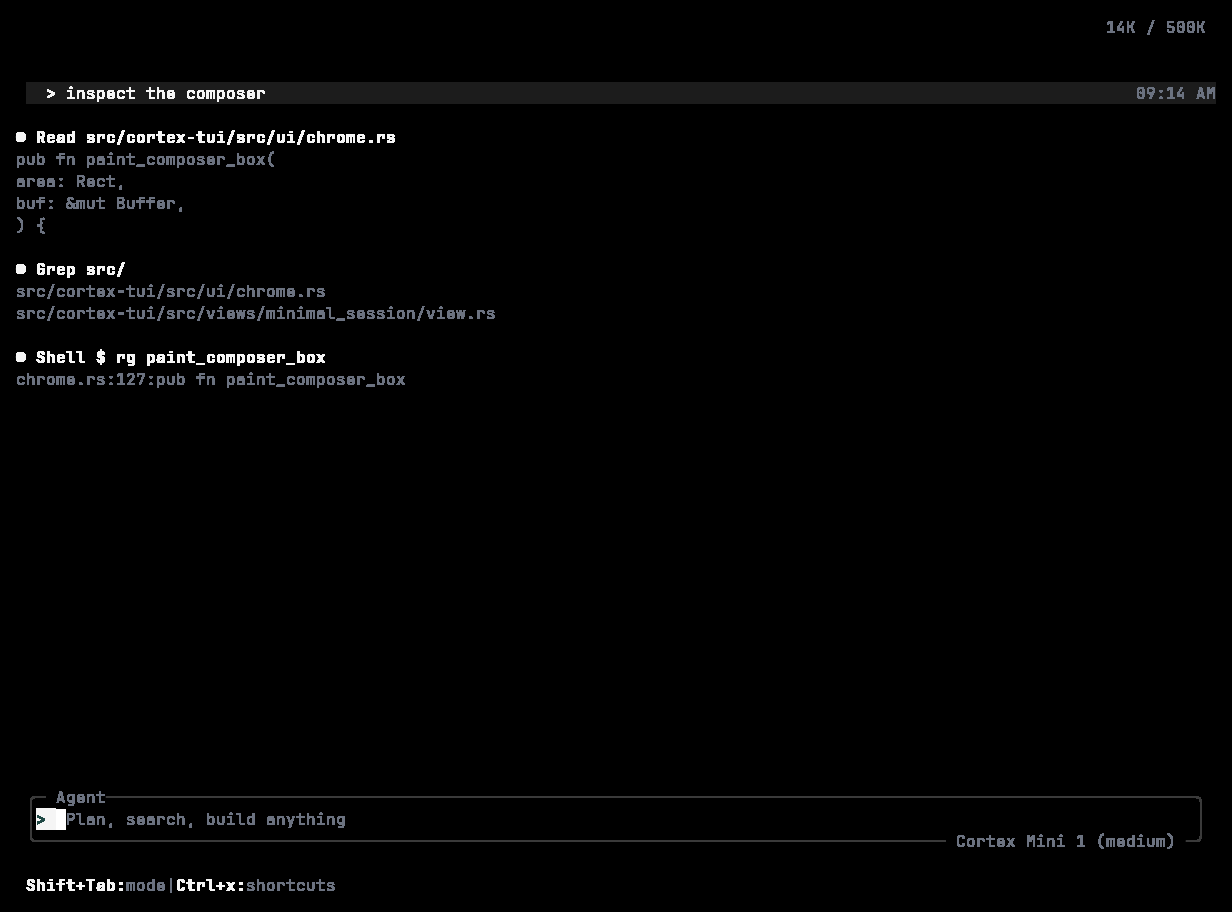
Tool tiles: a grouped “3 tool calls” header, Read and Grep rows with their summaries, and a Shell row whose failing test is quoted beneath it.
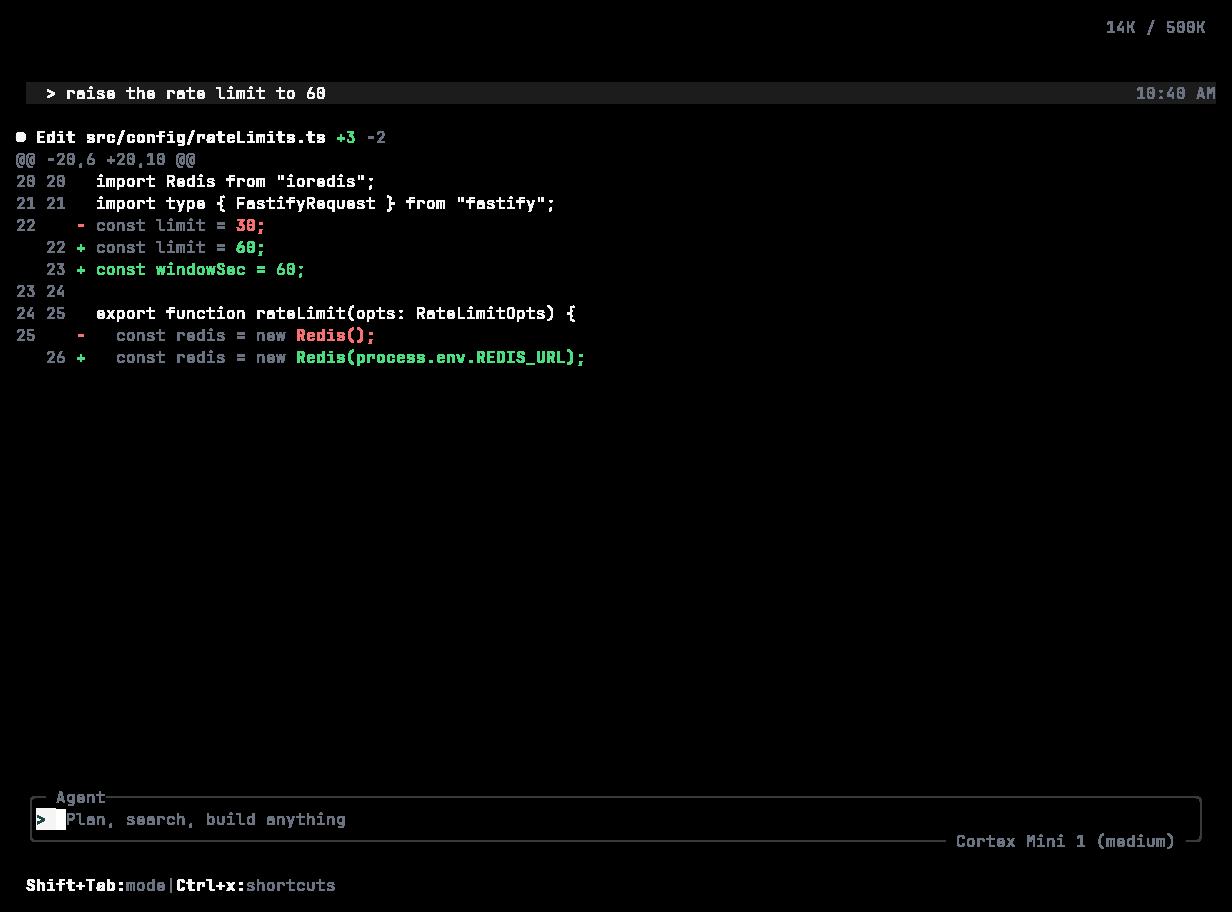
An Edit tile: the unified diff with a dim gutter, red removals, green additions, and a +2 −1 stat.
The status line
While a turn runs, a line above the composer shows a spinner, the stage — Thinking, Executing <tool>, Streaming, Delegation — the elapsed time, tokens used, and esc to interrupt.The composer
>with a block caret; the dim placeholder Plan, search, build anything until you type.- Enter sends. Shift+Enter (or Alt+Enter) inserts a newline. Up / Down walk your prompt history.
- Type
/for slash commands; type@to reference a file or symbol; both autocomplete in a popup. A line starting with/that is not a known command is sent to the agent as an ordinary message. !runs a shell command directly.&prefixes a task to hand off to Cortex Cloud — the timeline shows Handed off to Cortex Cloud with the agent and branch, and/jobsfollows it.- Submit while a turn is running and the message is queued — the composer reads Add a follow-up — Enter to queue and shows how many are waiting.
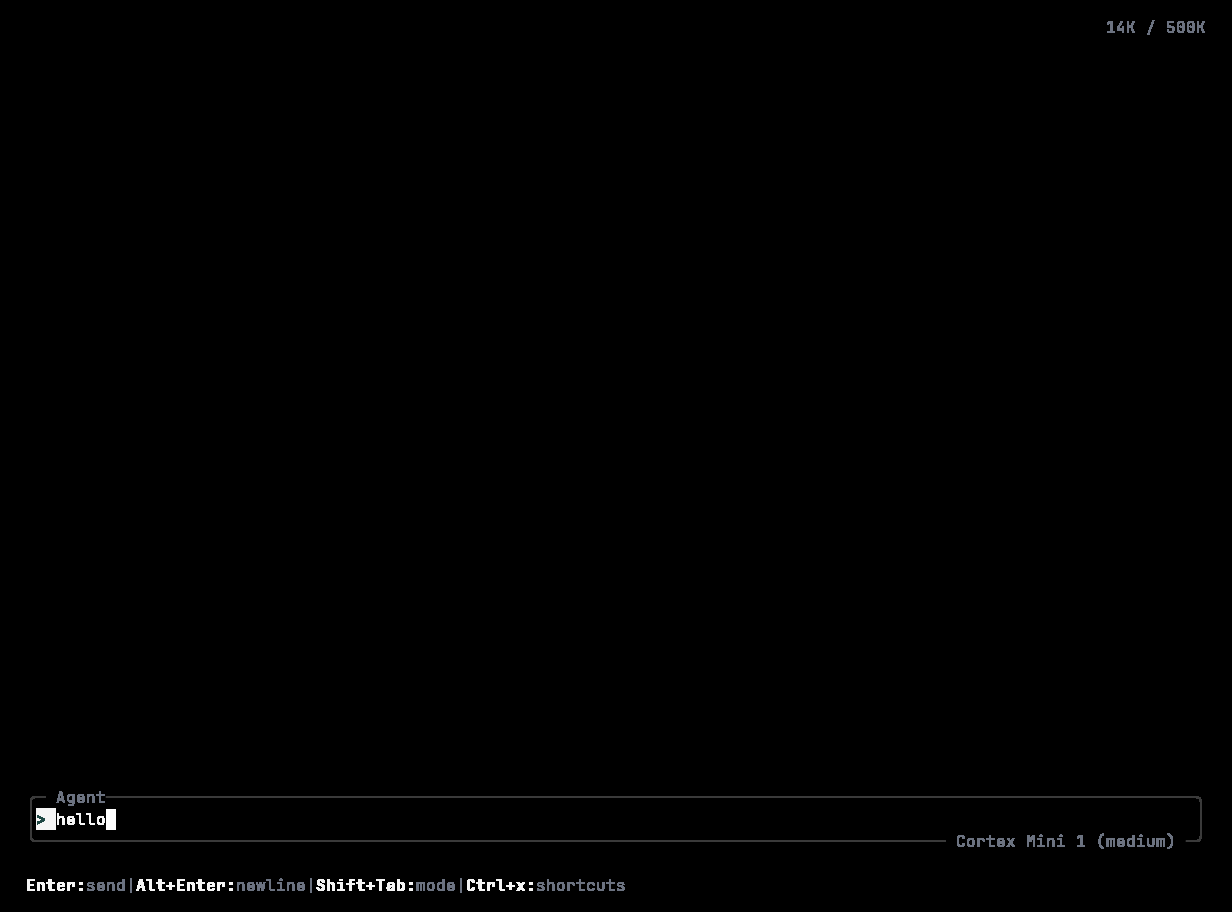
Typing: the placeholder is gone, the caret follows the text, and the footer switches to Enter:send · Alt+Enter:newline.
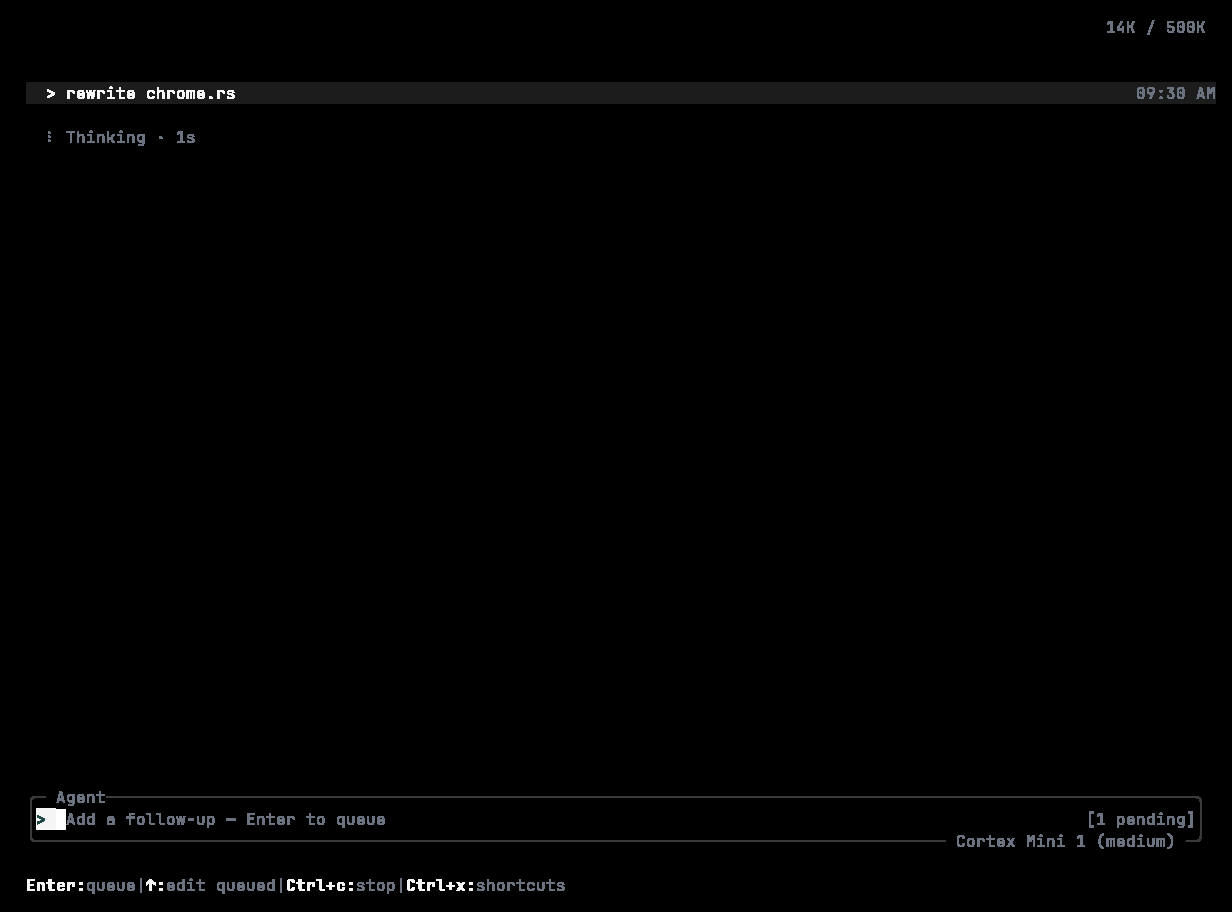
Two follow-ups queued behind a running Shell command — sent when the current step finishes. ↑ edits a queued item.
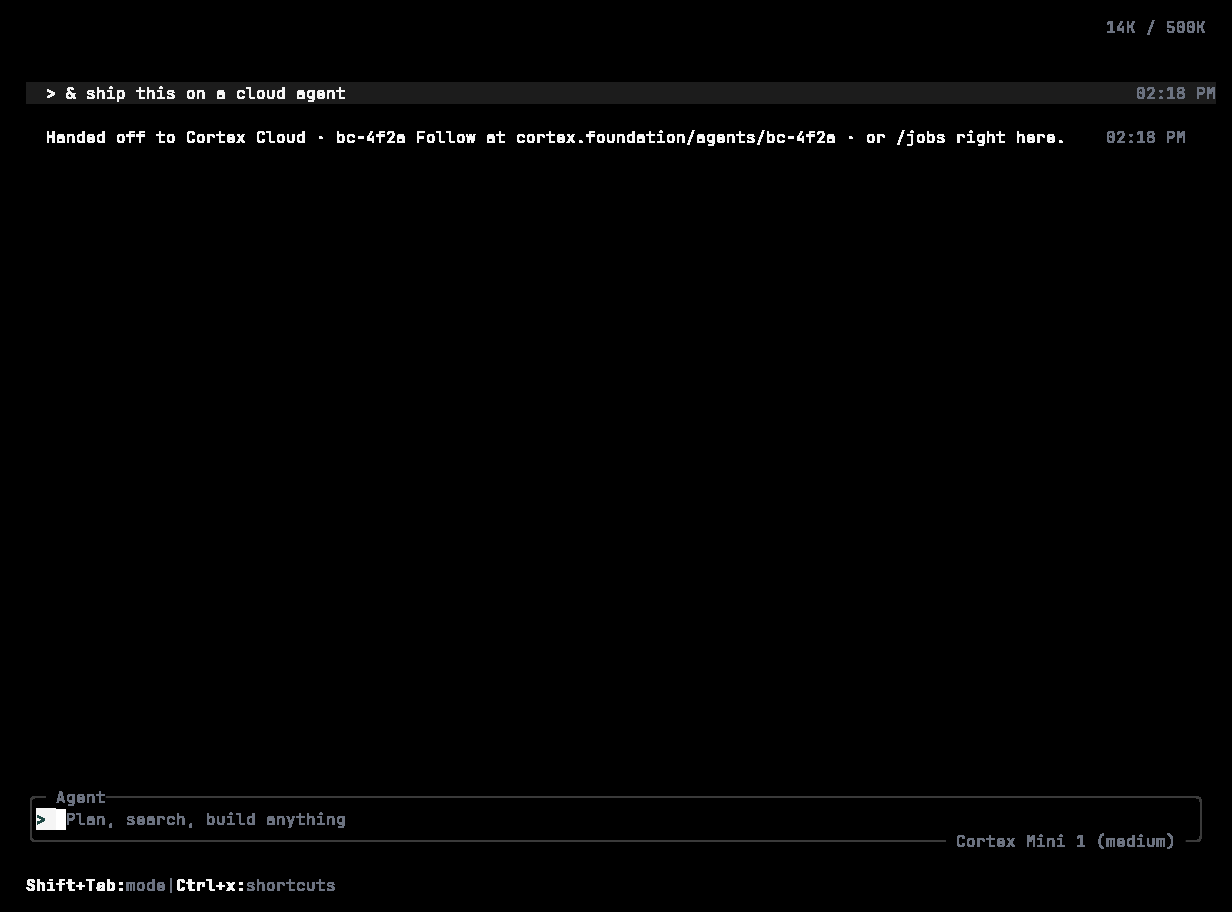
A hand-off: & fix the flaky login redirect test and open a PR — the timeline shows the Cloud agent id, its branch, and where to follow it.
Footer
Left: the model, the mode, and remaining context —Cortex Mini 1 · Agent · 92% context. Right: one shortcut hint — shift+tab to cycle modes, or the palette’s own keys while it is open. A token counter (14K / 500K) sits top right.
Modes and autonomy
Shift+Tab cycles Agent → Plan → Ask./mode opens the same picker; /permissions sets Read-only, Smart, or Full access; /plan drafts a plan before writing any code. Approvals appear inline as numbered choices. Everything about these controls is on Modes and permissions.
Panels
Most of the surface area is one key or one slash command away:Interrupting and quitting
- Esc interrupts the current turn. The timeline records
× Stopped; the CLI aborts its stream and tells the runtime to cancel. - Esc twice quickly opens the rewind overlay to step back or fork. See Sessions.
- Ctrl+Q or
/quitquits. Ctrl+C force-quits.
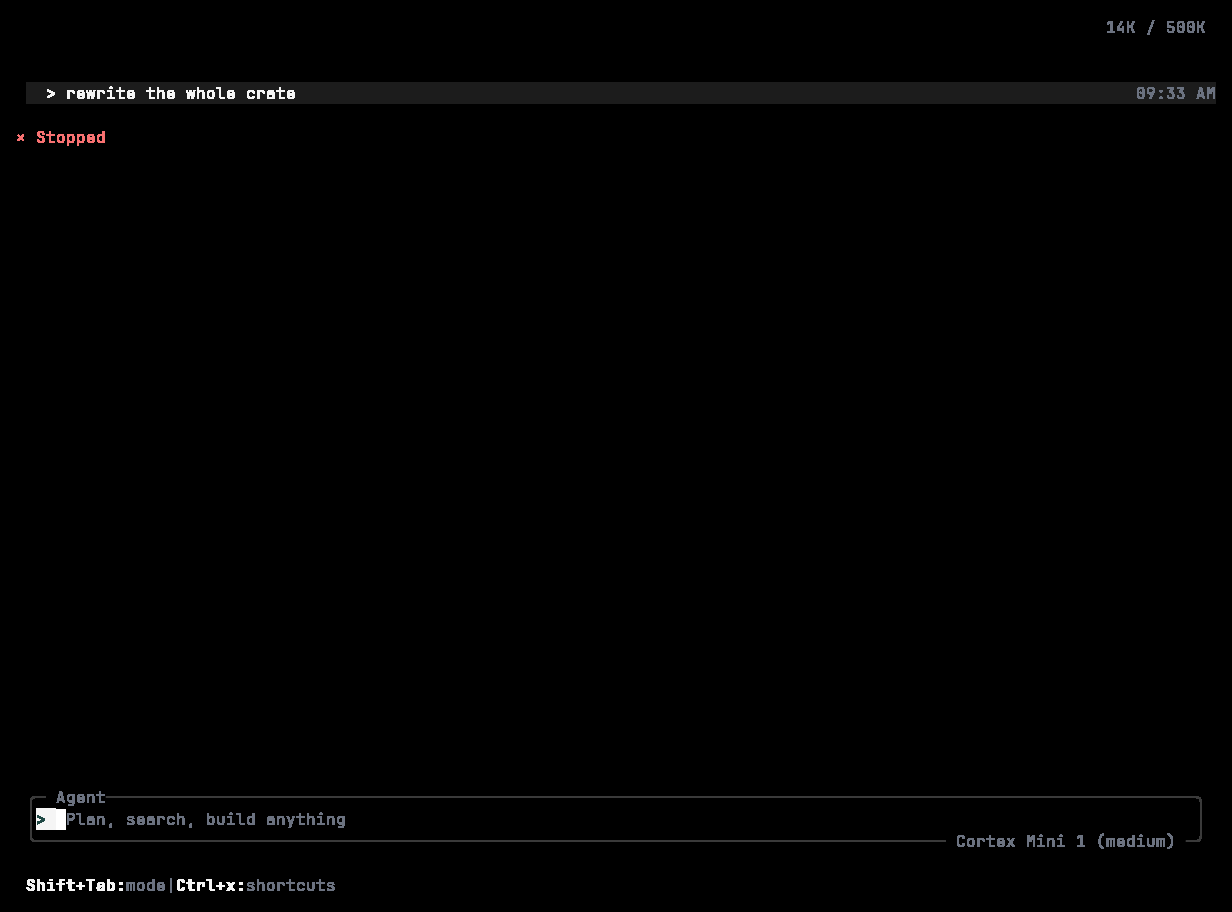
After Esc: the Shell row is marked stopped, the timeline records × Stopped with the time and tokens spent, and the composer offers ↑ to edit your last message.
When the service is unreachable
The TUI says The coding service is temporarily unavailable and offers to retry — your work so far is saved in this session. That is the whole message by design: Cortex does not surface provider, SDK, or transport names. See Troubleshooting.Display
/theme switches between Cortex Night (default), Cortex Day, Ocean Dark, and Monokai. /compact toggles a denser layout. The accent is Cortex green #1F4945 on the focused control; the rest of the chrome is grey. See Extend → Themes.
The chrome holds its shape in a small terminal. At 40 columns by 12 rows the composer keeps its border, mode label, model chip, and footer hint:
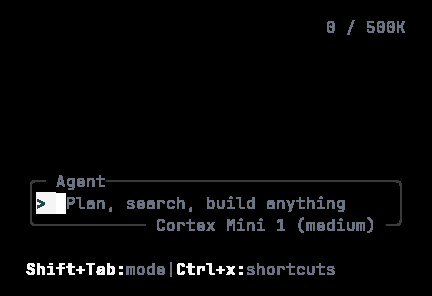
The empty composer at 40×12 — the same chrome, folded to a small window.
Related
- Slash commands · Keyboard shortcuts
- Sessions — what happens after you close the terminal.