

/ in the composer to open the command list. It shows the most-used commands first and filters as you type; the trailer N more — keep typing to filter means there is more below. A line beginning with / that is not a known command is sent to the agent as an ordinary message.
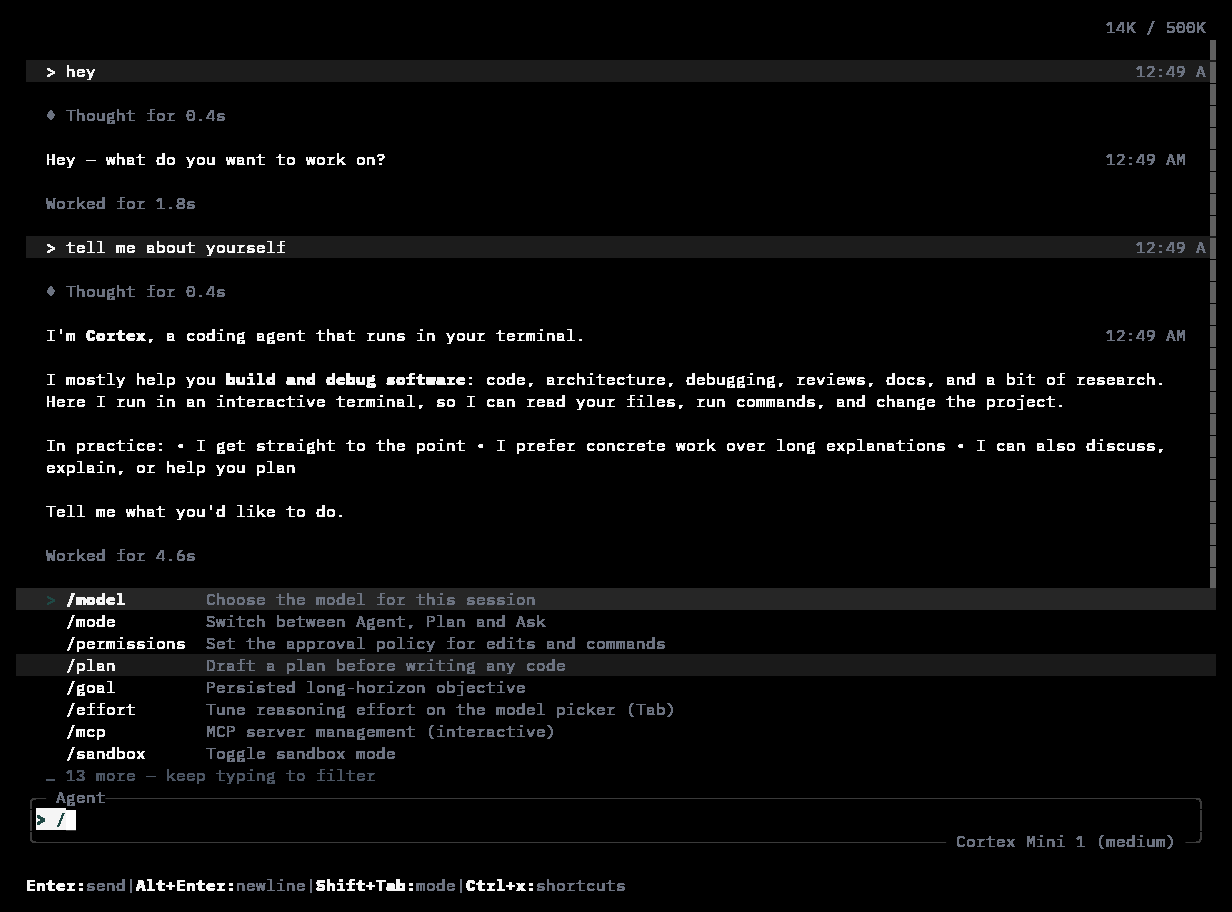
The slash palette after typing /: model, mode, permissions, plan, goal, effort, mcp, sandbox — and “13 more — keep typing to filter”.
The palette home
These are the commands the palette shows first:
Keep typing to filter —
/model narrows the list to the commands that match:
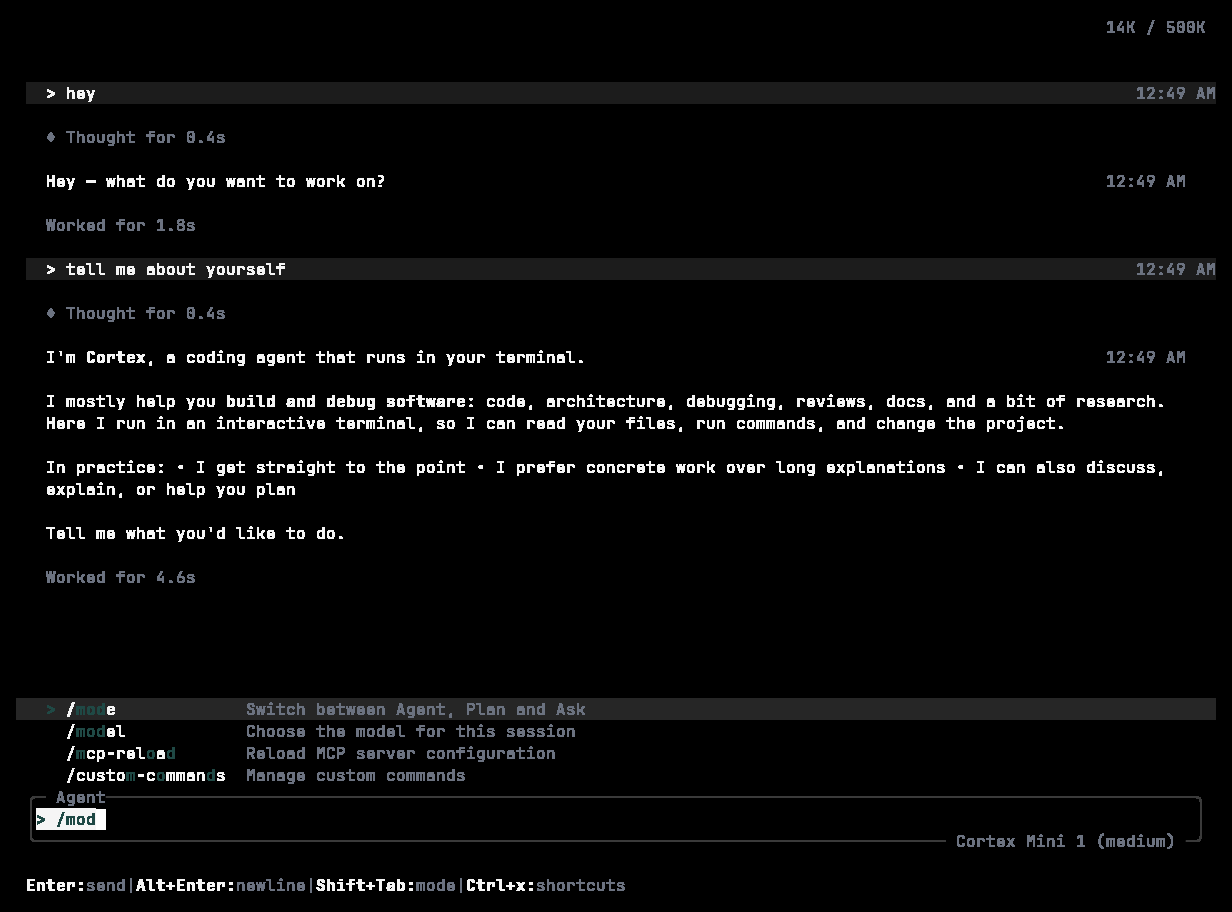
Filtering the palette: /model matches /model, /mode, /mcp-reload, and /custom-commands.
Session
Details: Sessions.
Files and context
Model and policy
Details: Modes and permissions.
Agents, skills, tasks
Details: Extend.
MCP
Account and usage
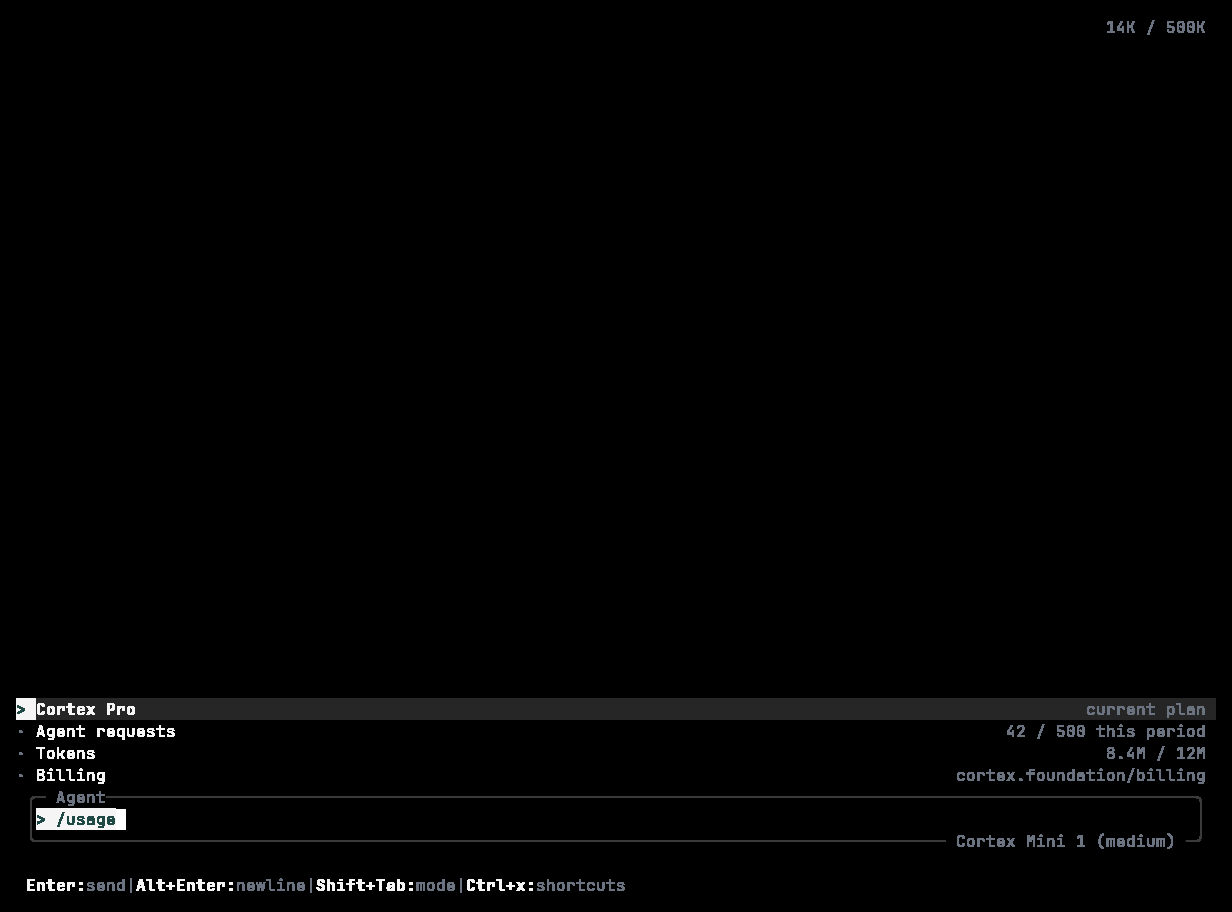
/usage: agent requests, tokens this month, and Cloud agent minutes against the plan's ceilings, with the renewal date.
Working with code
General and diagnostics
Your own commands
Add markdown files under.cortex/commands/ in the project; /commands lists them. The file name is the command and the body is the prompt it sends. Project commands travel with the repository.
Related
- The TUI · Keyboard shortcuts
- The equivalents outside the TUI:
cortex --helpandcortex <command> --help